
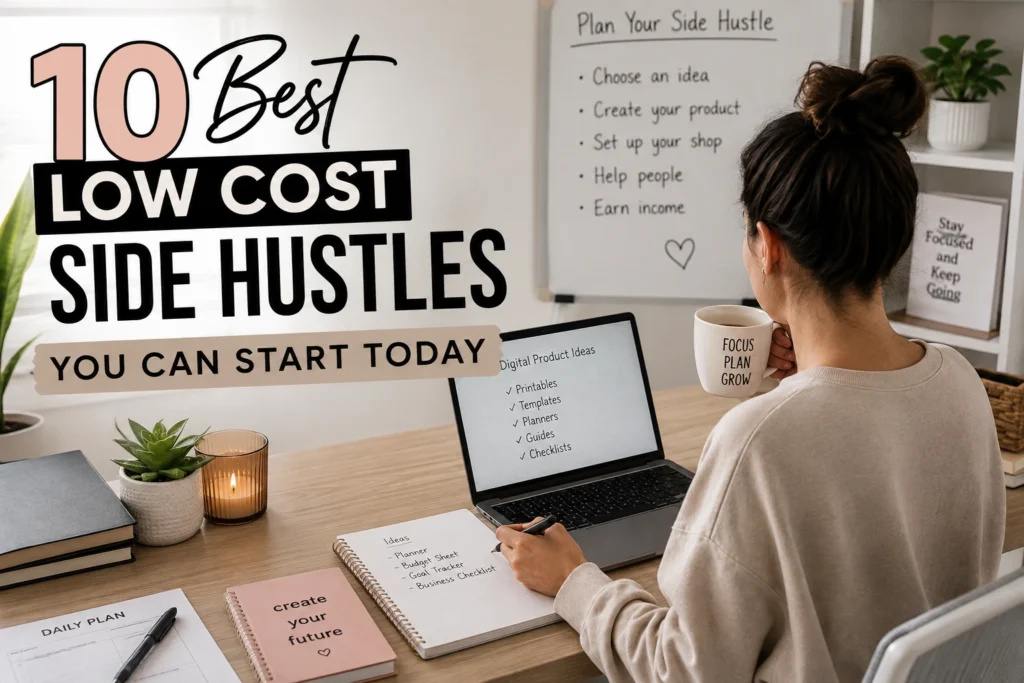
You do not need a garage full of inventory, a large social media following, or expensive software to earn extra income. The best low cost side hustles let you start small, learn as you go, and use skills you already have. For many beginners, creating simple digital products is one of the easiest places to begin because there is nothing to ship and you can use free tools.
The goal is not to do all 10 ideas below. Pick one that feels manageable. Give yourself permission to be a beginner.
What Makes a Side Hustle Low Cost?
A low-cost side hustle should not require you to buy stock, rent a space, or pay for complicated tools before you earn your first dollar. It should also fit around your current life, whether you work full time, care for family, or simply want a quiet project for retirement.
Look for an idea that has these three things: a low starting cost, a clear problem it solves, and a simple first step. Free versions of Canva, Google Docs, and AI chat tools can help you make many beginner-friendly products without design experience.
Your action: Choose a small amount you are comfortable spending to get started. For many ideas below, that amount can be $0.
10 Best Low Cost Side Hustles for Beginners
1. Create printable planners
People buy planners to organize busy lives. You could make a weekly meal planner, budget planner, cleaning schedule, appointment tracker, or daily to-do list.
Start in Canva. Choose “Create a design,” search for “planner,” and pick a simple layout. Change the colors, wording, and sections so it solves one specific problem. For example, a “Simple Weekly Medication Tracker” is clearer than a planner made for everyone.
Save it as a PDF. A customer can print it at home or use it on a tablet.
Your action: Write down one part of life you like to keep organized. That can become your first planner idea.
2. Sell checklists people can use right away
A checklist is one of the simplest digital products you can make. It gives someone a clear list of steps so they do not have to remember everything themselves.
Think about jobs or life experiences you understand. A retiree might create a moving-day checklist. A parent might create a school morning checklist. Someone who enjoys gardening could create a spring garden setup checklist.
Open a Canva document, add a title, and list each task with a small checkbox beside it. Keep it to one or two pages. Simple is helpful.
Your action: List five steps for a task you do regularly. You have the beginning of a checklist.
3. Make budget and savings trackers
Money can feel stressful, which is exactly why simple budget tools can be useful. You do not need to teach financial advice. You are creating an organizing tool.
A basic monthly expense tracker can include columns for the date, item, category, amount, and payment method. You could also create a debt payoff tracker, no-spend challenge calendar, or savings goal thermometer.
Use Canva for a printable version. If you are comfortable with spreadsheets, you can also make a simple Google Sheets version. Start with the format that feels easiest to you.
Your action: Create a page with five spending categories, such as groceries, bills, gas, fun, and savings.
4. Design social media post templates
Small business owners often know they should post online but do not know what to design. A template gives them a starting point they can edit quickly.
Choose one type of business instead of trying to serve everybody. For example, make 10 Instagram post templates for dog groomers, realtors, bakers, or life coaches. In Canva, search for a social media post size, create a clean design, then make copies with different text ideas.
Make sure buyers can easily change the words and photos. Avoid using cluttered fonts or too many colors.
Your action: Pick one local business type you see often. Write 10 post topics they could use.
5. Create simple party and event printables
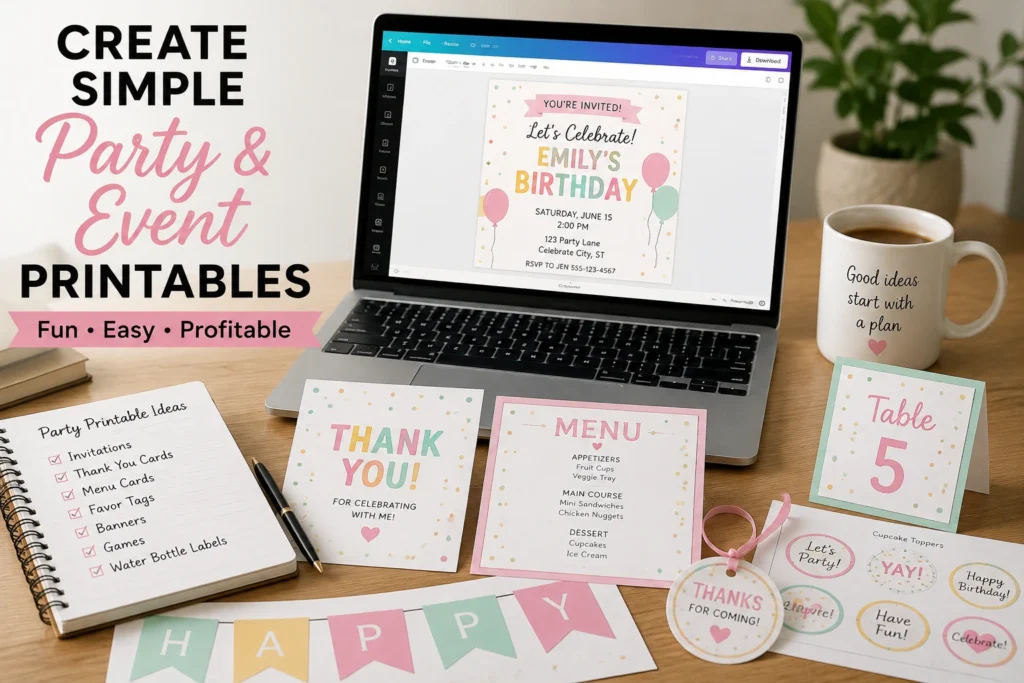
Birthdays, baby showers, weddings, and family reunions create a steady need for easy-to-use printables. You might make invitations, game cards, welcome signs, food labels, or thank-you cards.
Begin with a small set. A baby shower game bundle with five matching games is easier to understand than a large store with dozens of unrelated items. Use Canva’s template search to see common page sizes, then make your version from scratch or customize a permitted template.
Double-check spelling and leave enough room for people to write.
Your action: Choose one event and write down three matching printable items you could create.
6. Offer local errand or helper services
Not every low-cost side hustle has to happen online. Many people need help with ordinary tasks, especially busy families and older adults. You could offer grocery pickup, pet sitting, light organizing, plant watering, or help setting up a phone or television.
Keep your offer specific. “I help with anything” can make people unsure. “I provide weekly pet check-ins for travelers” is easier to understand. Start with people you know and set clear boundaries around the tasks you will do.
This option costs very little, but it does trade time for money. That may be a good fit if you want faster income and enjoy helping in person.
Your action: Write one sentence that clearly explains the local help you could offer.
7. Make beginner-friendly guides
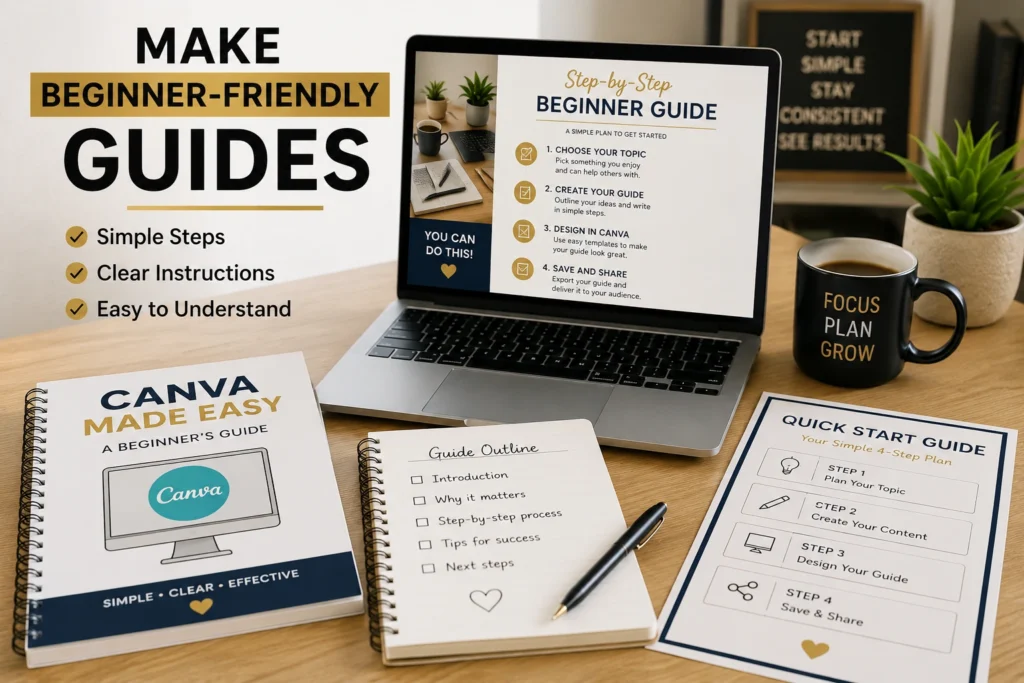
You do not need to be the world’s top expert to make a guide. You only need to help a beginner take a few clear steps in an area you know well.
For example, you could create a guide called “How to Organize Your First Family Reunion” or “A Simple Beginner’s Guide to Container Gardening.” Use Google Docs or Canva. Add a short introduction, numbered steps, a supply list, and a final checklist.
Keep your promises honest. A short, useful guide is better than a long document filled with information people cannot use.
Your action: Finish this sentence: “I can help a beginner learn how to ______.”
8. Sell meal planning tools
Meal planning products are practical because they help people answer a daily question: “What are we having for dinner?” You can create weekly meal planners, grocery lists, recipe cards, freezer inventory sheets, or lunchbox planning pages.
A good product makes one task easier. For example, a meal planner for families on a budget could include a weekly menu, grocery list, pantry inventory, and leftover tracker. You do not need to include recipes unless you want to.
Use clear labels and plenty of blank space. A busy page is harder to use when someone is standing in a kitchen.
Your action: Sketch a seven-day meal plan page on paper before designing it in Canva.
9. Create habit and wellness trackers
People enjoy seeing their progress. A habit tracker can help someone follow a walking routine, drink more water, read daily, keep a cleaning habit, or practice gratitude.
Be careful with health-related claims. You can create a general tracker, but do not promise that it will treat a medical condition or replace professional care. Keep the product focused on planning and personal organization.
A simple monthly grid works well. Add a short instruction at the top, such as “Color one box each day you complete your habit.”
Your action: Choose one everyday habit and create a 30-box grid for it.
10. Package your products into small bundles
Once you have made two or three related products, put them together as a bundle. This gives the buyer a more complete solution and helps you earn more from work you have already done.
For example, you could combine a weekly meal planner, grocery list, and pantry tracker into a “Simple Meal Planning Bundle.” Or combine a daily planner, goal sheet, and habit tracker into a “Fresh Start Planning Pack.”
The products should belong together. A budget sheet, wedding invitation, and dog-walking form are all useful, but they should not be in the same bundle.
Your action: Look at your first three product ideas and circle any that solve the same problem.
How to Pick the Right First Idea
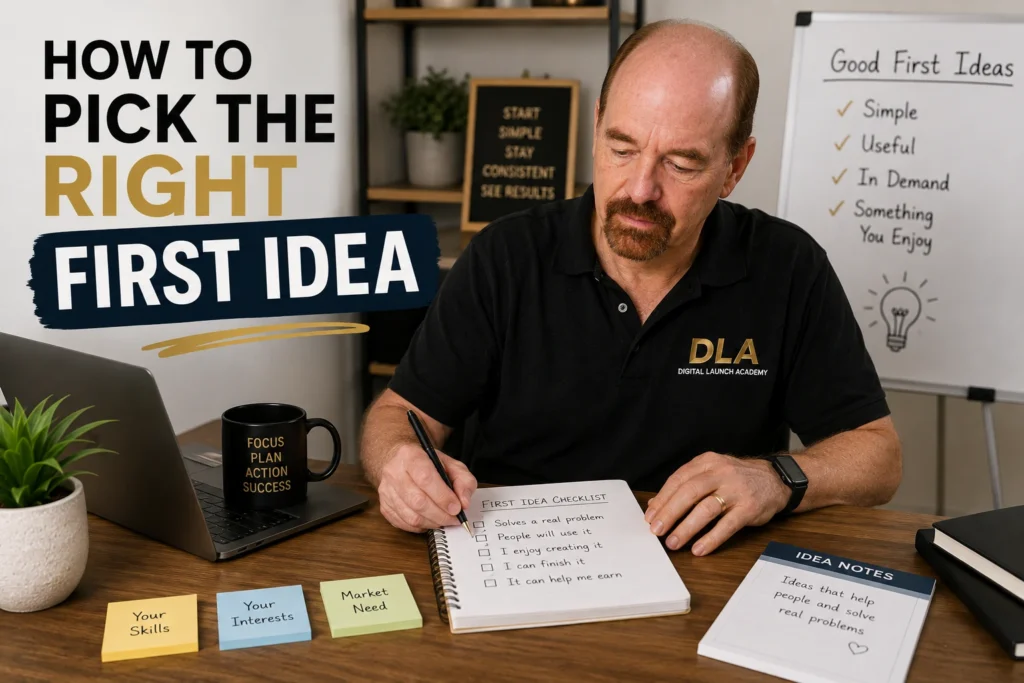
The best low cost side hustle is not always the one that looks most exciting online. It is the one you can finish. Your first product does not need to be perfect. It needs to be useful, clear, and ready for someone to use.
Use this simple three-step filter:
- Pick a problem you understand from real life.
- Choose a product you can make in one afternoon.
- Create a simple first version before adding extra pages or features.
If technology makes you nervous, begin with a one-page printable. Canva has ready-made layouts, and you can learn one small feature at a time. If writing feels easier than design, make a checklist or short guide in Google Docs first.
If selling digital products sounds like a good side hustle but you are not sure where to begin, read Can Beginners Sell Digital Products? for a complete beginner-friendly guide.
A Simple Plan for This Week
You do not have to build an entire business this week. Focus on one finished item.
On day one, choose your idea and write a clear title. On day two, make a rough version on paper. On day three, create it in Canva or Google Docs. On day four, check the spelling, test the layout, and save the final file. On day five, ask one trusted person if the product is easy to understand.
That small process teaches you more than spending weeks watching videos and waiting to feel ready. Digital Launch Academy teaches beginners how to turn simple ideas like these into finished digital products with clear, step-by-step support.
Your first side hustle does not have to change your life overnight. Let it prove something smaller and more valuable first: you can create something useful, finish it, and put it in front of people. Start with one page today.
Don’t Know What to Create?
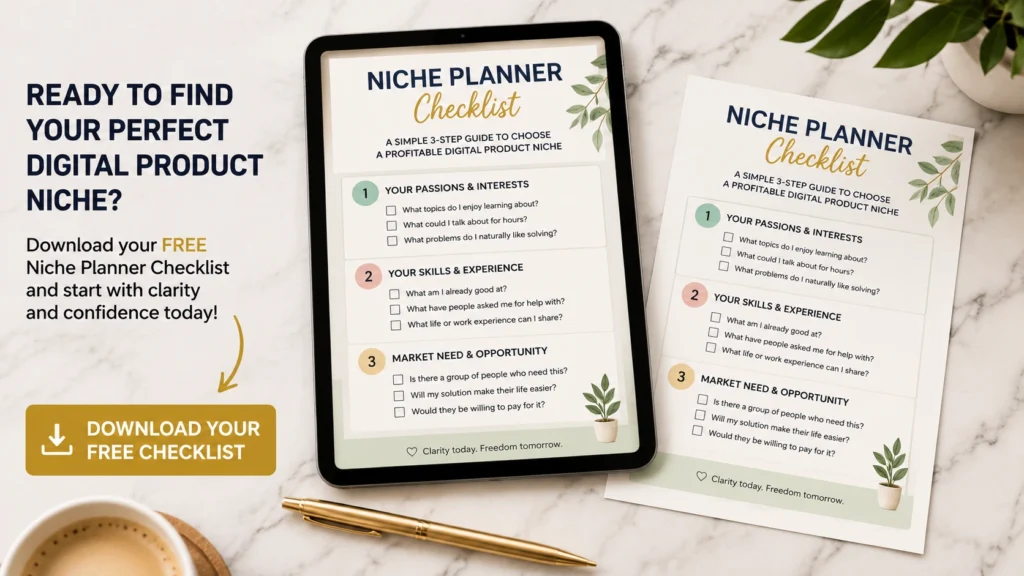
Most beginners don’t fail because they lack talent.
They fail because they’re overwhelmed by too many ideas.
Download the Free Niche Planner Checklist and discover a digital product idea you can actually build.
