
Choosing AI tools for beginner content creators can feel confusing when every website promises to make your work easier. You may need help writing, designing a printable, creating an image, or preparing a simple video. The useful starting point is one tool that helps with one task.
ChatGPT and Claude are options for written content. Canva brings design and AI features together. Descript offers help with audio and video. This guide compares their uses so you can decide where to begin.
You do not need to learn all four. Start with the content you need to create, then choose a tool that fits your budget and comfort level.
What Can AI Tools Help a Beginner Create?
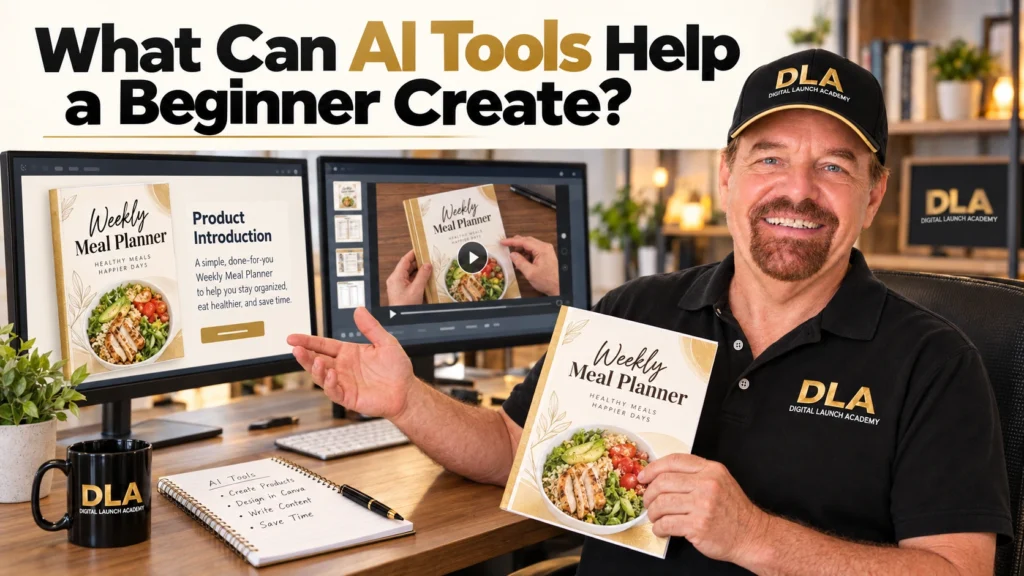
AI tools can help turn a rough idea into a first version you can review and improve. When using AI to build an online business, connect each tool to something useful for your customer.
Written Content for Products and Marketing
A writing assistant can help draft checklist headings, product introductions, email newsletters, social captions, and short video scripts.
For example, a meal-planning printable may need a short explanation of how to use it. You can describe the planner and ask for a simple introduction.
The instructions you give an AI tool are called a prompt. A useful prompt explains what you want, who it is for, and how the result should sound.
You still need to check that the draft accurately describes your product.
Designs, Images, and Simple Videos
Visual tools can help prepare illustrations or design starting points. Video tools can assist with captions, editing, narration, or generated footage, depending on their features and your plan.
Your meal planner might need a cover design, a promotional graphic, and a short demonstration video. These are separate tasks, even though they support the same product.
Choose the task you need now. You can learn another tool when another need appears.
Your Action: Write down one content task you want help completing.
Which Are the Best AI Tools for Beginner Content Creators?
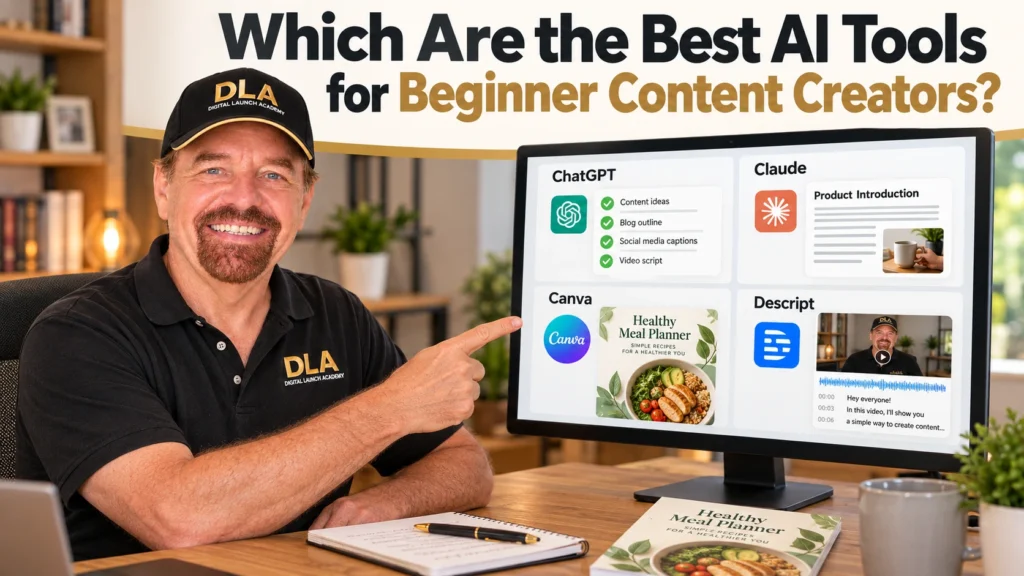
The best AI tools for content creation depend on what you need to finish. The following four tools provide different starting points. These recommendations reflect their documented features and task fit.
AI Writing Tools for Beginners
ChatGPT: a starting point for ideas and first drafts
ChatGPT supports writing, brainstorming, and image creation. Its free plan provides access without a subscription, although features and usage limits differ from paid plans.
Consider it when you need help turning a blank page into an outline, introduction, or short script. For example, you can write product descriptions with AI by supplying the product’s contents, intended customer, and practical purpose.
Its place in this comparison comes from that flexible starting point. You can describe a small task in everyday language and revise the result through conversation.
The drawback is that a fluent answer still needs checking. Give it your actual product details so the draft does not depend on guesses.
Claude: an alternative for drafting and revising text
Claude is another option to consider for writing tasks. Anthropic provides a free plan with limited use; paid plans offer more usage and additional features.
It may suit a beginner who wants to work through an existing draft. A practical test is to provide a product introduction and ask for shorter sentences while preserving its meaning.
Claude earns a place as an alternative writing assistant. Compare whether its responses help you finish your own task more easily.
Its limitations include usage allowances and the need to review rewritten text. You do not need paid subscriptions to both writing tools to begin.
AI Tools for Design and Image Creation
Canva: a starting point for combining visuals and layout
Canva includes AI writing, image, and design features within its design platform. Its tools can help you create digital products with Canva and AI, such as preparing a visual starting point for a planner cover or promotional graphic.
Canva earns its place because the visual work and surrounding design can stay together. You can review the image, adjust the layout, and add readable text.
Free access has important limits. Canva’s current help guidance lists a shared monthly allowance of up to 20 Standard or Premium AI uses for Canva Free. Ultra AI tools are excluded. Different actions consume the allowance differently.
The drawback is that AI access does not make every design feature available for free. You also need to check spacing, readability, and whether the generated image supports the lesson.
AI Video Tools for Beginners
Descript: a starting point for editing spoken content
Descript offers text-based audio and video editing. It turns recorded speech into text, allowing edits through the transcript. Its tools also include captions and AI assistance for creating video content.
It may suit someone creating a short product demonstration or spoken lesson. For example, you could record how to use your meal planner, review the transcript, and remove an unwanted passage.
Its place in this comparison comes from that connection between spoken words and editing.
The current free plan includes 60 media minutes per month and 100 one-time AI credits. Paid plans expand allowances and export options. The free AI credits are not a monthly refill.
The drawback is a learning step: transcript edits affect the recording. Listen to the finished version to make sure the cuts sound natural.
A Simple Tool Comparison
| Tool | Main task | Beginner example | Free access and limits | Main drawback |
|---|---|---|---|---|
| ChatGPT | Writing and brainstorming | Draft checklist headings | Free plan; feature limits apply | Drafts require checking |
| Claude | Writing and revision | Simplify an introduction | Free plan; limited usage | Revisions need review |
| Canva | Design and images | Prepare a planner cover | Shared AI allowance; some tools excluded | Features vary by plan |
| Descript | Audio and video | Edit a short demonstration | Monthly media allowance; one-time AI credits | Editing takes practice |
Plan details can change. The official pages provide the current allowances before you commit.
Your Action: Choose one tool from the comparison that matches the task you wrote down.
How Do You Choose an AI Tool for Your Needs and Budget?
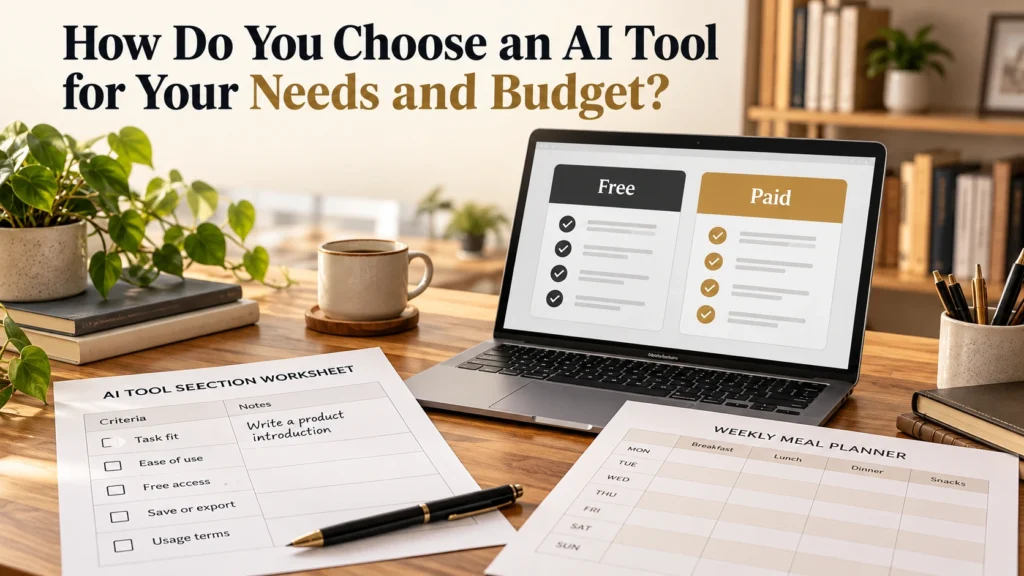
Choosing affordable AI content creation tools starts with knowing what you need to accomplish.
Match the Tool to One Content Task
First, research your target customer enough to understand the question your content should answer.
Then complete this sentence:
“I need help creating ______ for people who want to ______.”
For example: “I need help creating a product description for people who want to plan weekly meals.”
That points toward a writing assistant. A cover-design task points toward Canva. A recorded lesson points toward a video editor.
This is a practical way to decide how to choose AI content creation tools without comparing every feature.
Compare Free Plans, Paid Features, and Ease of Use
Before paying, check:
- Does the tool support your task?
- Can you understand its basic controls?
- Does free access let you complete a useful test?
- Can you save the result in the format you need?
- Do the usage terms allow your intended purpose?
Saving a finished result in another format is called exporting. A video export, for example, creates a file you can upload elsewhere.
A free plan continues with restrictions. A free trial gives temporary access and may become a paid subscription under its terms.
Consider upgrading when a specific restriction prevents work you need regularly.
Your Action: Check the chosen tool’s official plan details and confirm whether its free access supports your first task.
How Do You Test an AI Tool and Check Its Work?
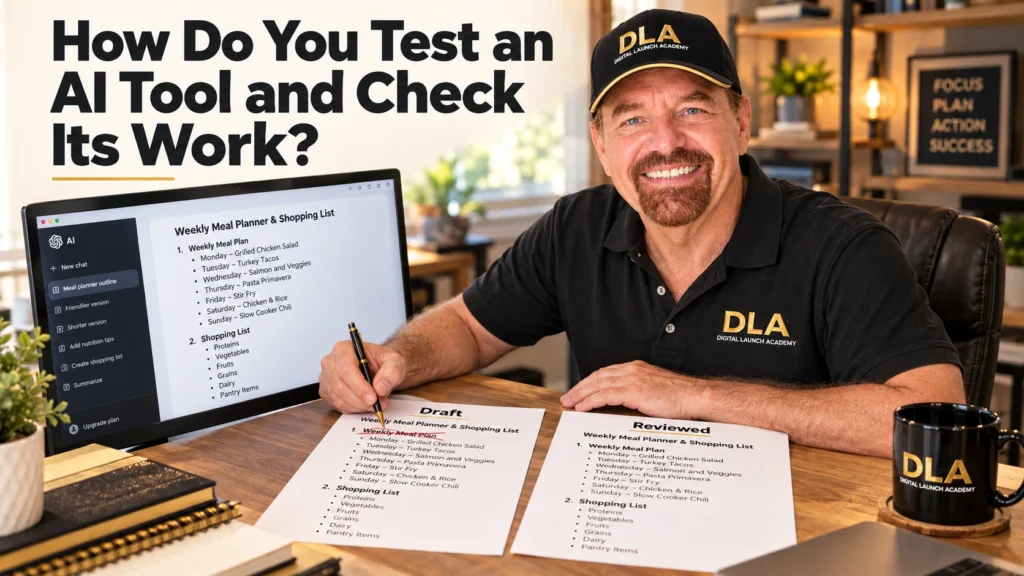
A small project gives you a useful way to judge whether a tool helps.
Try One Small Content Task
Follow these five steps:
- Choose a small task.
- Describe the audience and desired result.
- Generate a first version.
- Check accuracy and usefulness.
- Make corrections and save the result.
For a writing test, try:
“Suggest five checklist headings for a weekly meal planner for complete beginners. Use plain English and short headings. Focus on planning meals and preparing a shopping list.”
Keep the useful suggestions and remove anything that does not fit your product.
For an image or video test, choose an equally small result, such as one cover illustration or a brief edited recording.
Review Accuracy, Clarity, and Usage Rights
Check the output before sharing it. Look for incorrect details, confusing wording, unreadable text, visual mistakes, or awkward video cuts.
Usage rights matter when selling content. Canva allows personal and commercial use of AI-created works subject to its AI Product Terms, while requiring users to respect other people’s rights.
Check the terms for your chosen tool and any added photos, music, templates, or other materials. Permission to use generated output does not automatically cover everything added to the project.
Keep What Works in a Simple Workflow
After reviewing the result, organize your digital product files so you can find the finished version.
Keep a short note about the instructions that helped. You can then create a simple weekly workflow: describe the task, generate a draft, review it, improve it, and save it.
Your Action: Complete one small test and save the version you have reviewed.
Frequently Asked Questions About The Best AI Tools for Beginner Content Creators
Are Free AI Tools Enough for Beginner Content Creators?
Often, they are enough for a small first project. Free AI tools for content creators may restrict usage, features, or exports. Check whether the allowance supports your actual task.
Do I Need Technical Skills to Use AI Content Creation Tools?
You can begin writing tasks with everyday instructions. Design and video tools require learning some controls, but you can practice one task at a time.
Should I Start With One AI Tool or Several?
Start with one tool for your current task. A writing assistant may be enough for an outline. Add a design or video tool when you have a clear reason.
Can I Use AI-Generated Content in Digital Products I Sell?
It depends on the tool’s terms and the content involved. Check commercial-use permission and the licenses for added materials. Canva’s guidance also explains that AI output may not be unique to you.
Do I Still Need to Edit Content Created With AI?
Yes. Check facts, product details, wording, visuals, and sound. Your review helps turn a generated first version into something useful for your customer.
Your Action: Use the answer that addresses your biggest concern to decide whether your chosen tool is suitable to try.
Start With One Tool and One Useful Task
Useful AI tools for beginner content creators help you complete work you understand and can review.
Start by matching the tool to your task. Check its cost and limits, try a small project, and improve the result before using it.
A reviewed checklist outline, readable graphic, or clear video is a concrete first result. You can build confidence through these small projects without learning everything at once.
Your Action: Write one sentence describing whether your tested tool helped and what you would improve next time.
Don’t Know What to Create?

Most beginners don’t fail because they lack talent.
They fail because they’re overwhelmed by too many ideas.
Download the Free Niche Planner Checklist and discover a digital product idea you can actually build.
