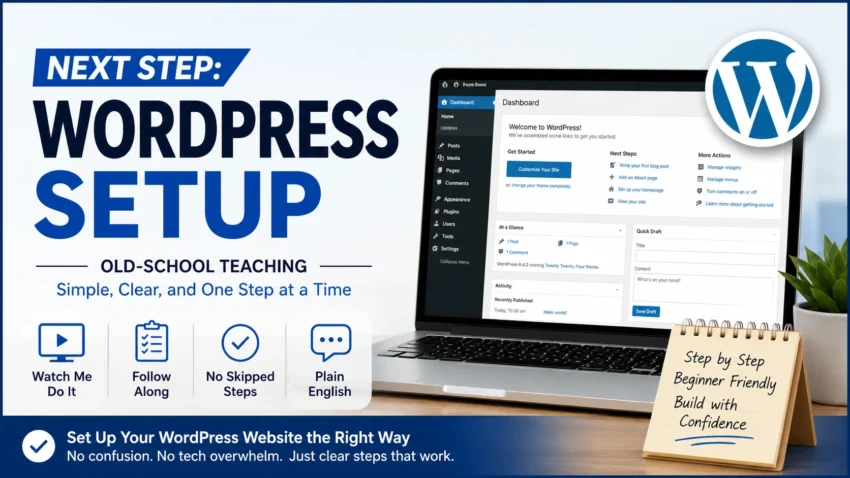
Next Step WordPress Setup
Old-School Teaching — Simple, Clear, and One Step at a Time
What You’ll Learn With the Next Step WordPress Setup
Follow along as I show you how to set up WordPress from the beginning Live, without skipping the steps beginners need.
- Set up WordPress the right way
- Learn where everything is and what it does
- Build your website one simple step at a time
- The Next Step WordPress Setup training walks you through setting up WordPress from the beginning, without skipping the steps beginners need
- Get your website ready for the next stage of your business
- Put the sale page up from the previous class
No tech talk. No rushing. No skipped steps.
Why This Is Different
This is old-school teaching made for beginners.
Watch me do it Live → Follow along → No skipped steps → Plain English
You won’t just be told what to do. You’ll see each step, follow along on your own screen, and build your WordPress website with me.
Who This WordPress Training Is For
This training is for beginners who are ready to build their WordPress website but don’t want to spend hours trying to figure everything out on their own.
You don’t need to be a web designer or understand complicated technology. If you can follow along on your computer, you can work through the training with me.
This training may be a good fit for you if:
- You are setting up your first WordPress website
- WordPress feels confusing or overwhelming
- You want someone to show you exactly where to click
- You learn better by watching someone do the work first
- You want to build your website while you learn
- You have questions and want the opportunity to ask for help
- Next Step WordPress Setup is designed to help complete beginners move forward without feeling overwhelmed by WordPress
The goal isn’t to turn you into a WordPress expert. The goal is to help you build the website you need for your business and understand what you’re doing along the way.
Learn WordPress With Me Live
You don’t have to figure everything out by yourself. During the live training, I’ll work through WordPress with you and show you what I’m doing on my screen.
You can follow along on your own website, ask questions when something doesn’t make sense, and get help when you get stuck.
We aren’t racing through WordPress. We are building your website together, one step at a time.
If something looks different on your screen or you aren’t sure what to do next, ask. We can stop, look at the problem together, and make sure you understand the step before moving forward.
What You Get
Everything you need to follow along and set up your WordPress website step by step.
- Simple, beginner-friendly WordPress training
- Watch-my-screen demonstrations Live
- Step-by-step instructions you can follow along with
- No skipped steps or unnecessary tech talk
- Access to the complete WordPress Setup training
- Get all of your questions answered Live
Your Price
$197.00 One-Time Payment
No thanks, I already know how to do that. Show me what else you have.
Next Step WorkPress Setup Frequently Asked Questions
Is this course for complete beginners?
Yes. The training starts with the basics and walks you through WordPress one step at a time.
Do I need to know anything about WordPress first?
No. You can follow along even if you have never built a WordPress website before.
Can I follow along while you teach?
Yes. The lessons are designed so you can watch my screen, pause when needed, and complete the same steps on your own website.
Do I need special software?
No special software is required for the training. You will need your own WordPress website to follow along.
Do I need anything Else?
Yes, you will need a hosting account and a domain name. I’ve included the same place I use, and they offer a free domain for the first year. The pricing is 2.39 or 3.99, depending on the plan you choose.
