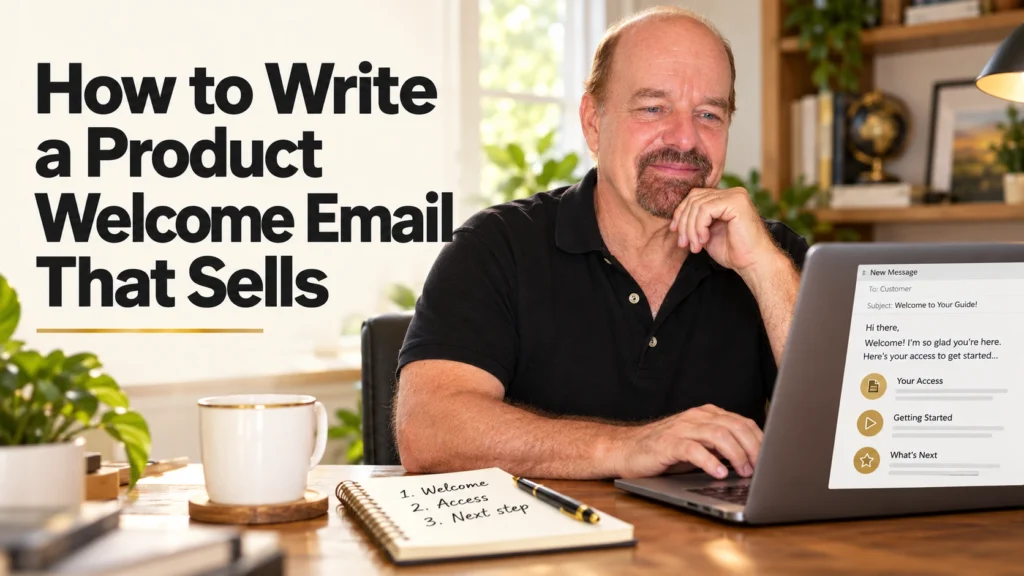
A customer has just bought your planner, checklist, template, or guide. This is the best moment to write a product welcome email that makes them feel happy about their purchase instead of confused about what to do next.
Many beginners skip this step because email sounds technical. It does not need to be. A simple welcome message can help your buyer find their download, use it right away, and remember your business when they need another helpful product.
You do not need fancy writing skills. You need a clear message, a warm tone, and one small next step.
Why a welcome email for digital products matters
A product welcome email is the message a customer receives after buying from you or joining your email list for a free download. It is not a long sales letter. Think of it as a friendly note across the kitchen table: Here is what you bought. Here is how to use it. I am glad you are here.
This matters because buyers often have questions after checkout. They may wonder where their file is, how to open it, whether they need to print it, or what to do first. If you answer those questions early, you reduce frustration and build trust.
A good customer welcome email can also lead to more sales later. Not by pushing people, but by being useful. When someone gets a quick win from your budget tracker or meal planner, they are more likely to look at your other digital products.
Simple action: Open one digital product you have made and write down the first three questions a new buyer may ask.
How to write a product welcome email in 6 steps
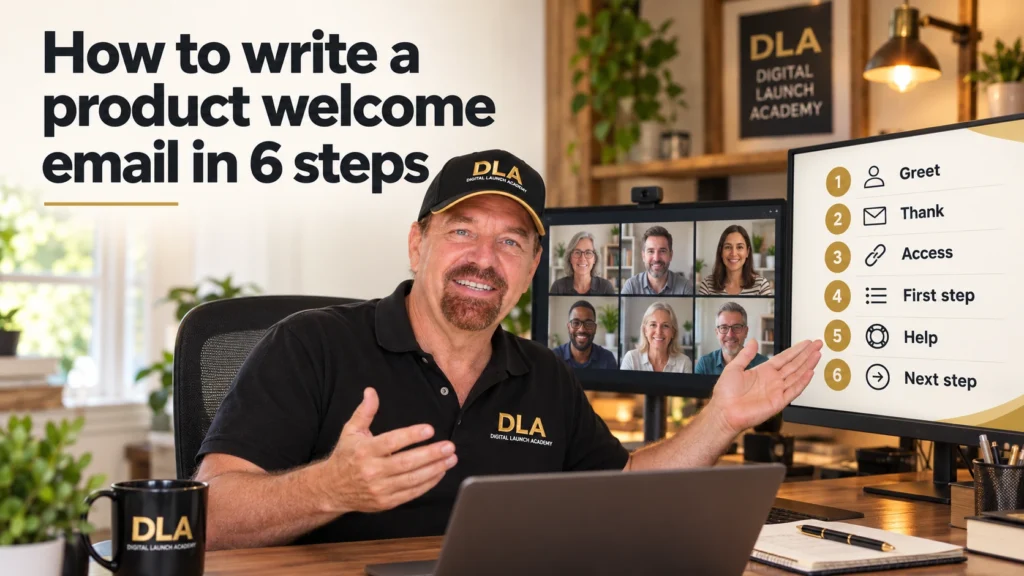
You can write your first email in a plain document before placing it inside your email tool. That keeps the job simple. Start with the words, then handle the technology.
Step 1: Use a clear subject line
Your subject line tells the buyer why they should open the email. Do not try to sound clever. Clear is better.
For a digital download, try a subject line like:
- Your Weekly Meal Planner is ready
- Welcome! Start using your Budget Tracker today
- Here is your Printable Cleaning Checklist
- A quick note about your new Canva template
Use the name of the product whenever possible. It reassures the customer that the email is connected to their purchase.
Simple action: Choose one subject line and add your product name.
Step 2: Welcome the buyer in one warm sentence
Start with a friendly greeting. You do not have to overthink it.
You could write: “Hi Sarah, thank you for choosing the Weekly Meal Planner. I am so glad you are here.”
If your email system does not add the customer’s first name automatically, simply write “Hi there.” A warm message still works. Avoid a cold opening like “Dear valued customer.” Your buyer is a real person, often someone who wants an easier day just like they do.
This first sentence should make them feel seen. It is especially helpful if your product solves an everyday problem, such as keeping track of bills, planning meals, organizing a busy schedule, or preparing for retirement.
Simple action: Write your greeting and thank-you sentence now.
Step 3: Tell them exactly where to find the product
This is the most practical part of your new customer email. State clearly where the download is located.
If your selling platform sends the file automatically, say so. For example: “Your download link is in your order confirmation email. Please check your inbox, and look in your Promotions or Spam folder if you do not see it within a few minutes.”
If you are sending the product link yourself, make that clear: “Click the download button below to save your files.” Add only one obvious button or link in the actual email.
Do not make buyers search through several pages or click five different buttons. One product, one clear place to get it.
If the file is a PDF, tell them. If it is a Canva template, explain that they will receive a link and need a free Canva account to edit it. A short sentence now can prevent support emails later.
Simple action: Add one sentence that tells the buyer exactly where their file is.
Step 4: Give simple instructions for using the download
Your customer may be brand new to digital products. Never assume they know what to do after they download a file.
Keep your instructions short. For example, a printable planner might say: “Download the PDF to your computer or phone. Open the file, then print the pages you want to use. You can also use the planner in a PDF annotation app if you prefer digital planning.”
For a Canva template, you might write: “Open the Canva link. Select Use template. Make a copy before changing colors, words, or photos. Then download your finished design as a PDF or PNG.”
Do not explain every Canva feature in the welcome email. That can overwhelm the buyer. Give them the first action only. You can always create a separate help page, instruction sheet, or follow-up email later.
Simple action: Write three short instructions for using your specific product.
Step 5: Help them get one quick win

A welcome email should help the customer use the product today, not someday. Give one small suggestion that makes starting easy.
For a habit tracker, say: “Choose one habit to track this week. Starting small makes it easier to keep going.” For a job search template, say: “Begin by filling in your name and most recent work experience.” For a family budget spreadsheet, say: “Start with one number: your monthly take-home pay.”
This small prompt turns a download into progress. It also shows that you understand the problem your buyer is trying to solve.
Simple action: Add one sentence that tells the customer what to do first.
Step 6: End with support and one gentle next step
Close your welcome message by letting customers know where to go if they need help. Keep this realistic. If you check email once a day, do not promise an instant reply.
You can write: “If you have a question about your download, reply to this email and I will be happy to help.” If you sell through a marketplace, direct them to the correct message area instead.
Then choose one gentle next step. It could be following your business, reading a short tip, or looking at a related product. Do not include three different offers. A new buyer needs clarity more than choices.
For example: “When you are ready, take a look at the matching Monthly Budget Planner.” This works well when the second item genuinely helps the buyer use the first one.
Simple action: Choose one support sentence and one optional next step.
Copy-and-paste product welcome email template
Use this simple product delivery email template as a starting point. Replace the words in brackets with your own details.
Subject: Your [Product Name] is ready
Hi [First Name],
Thank you for choosing [Product Name]. I am so happy you are here.
You can find your download [where to find the file]. If you do not see it, please check your Spam or Promotions folder.
To get started:
- [First step, such as download the PDF or open the Canva link.]
- [Second step, such as print the pages or select Use template.]
- [Third step, such as begin with one page or one section.]
My best tip: [Give one easy quick-win tip.]
If you have a question, [tell them how to contact you].
When you are ready, [one gentle next step].
Warmly,
[Your Name or Business Name]
This template works for a printable, a digital planner, a guide, a spreadsheet, or a Canva template. You only need to change the product instructions.
Set up the email without making it complicated
How you send a welcome email depends on where you sell. If you sell through an online marketplace, the platform may already send an order confirmation with the download. You can add a brief buyer message if that option is available.
If you use an email service, create an automated welcome email or purchase confirmation sequence. Look for words like “automation,” “workflow,” or “customer journey.” These terms can sound intimidating, but the task is usually simple: choose the trigger, add your email, and turn it on.
The trigger is the event that sends the message. For a buyer email, it may be “purchase completed.” For a free lead magnet, it may be “form submitted.” Test the email by sending it to yourself before a customer sees it.
Check that the product name is correct, the download button works, and the instructions make sense on a phone. A customer should not need to guess what happens next.
Simple action: Send a test email to yourself and read it as if you were a first-time buyer.
Common welcome email mistakes to avoid
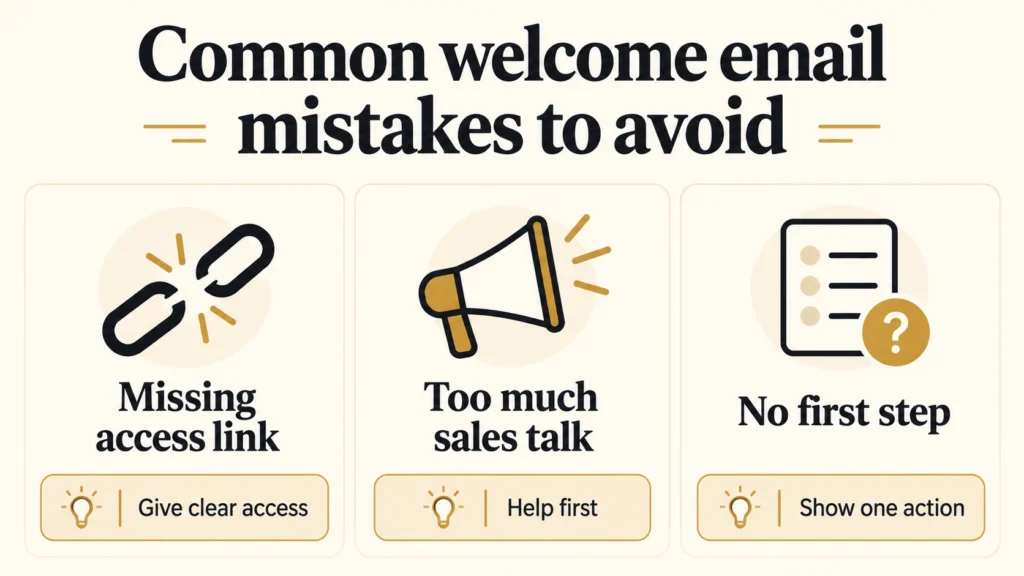
The biggest mistake is writing too much. Your customer does not need your full business story immediately after buying. They need their product and a simple way to use it.
Also avoid sending the same message to every buyer if your products work differently. A printable chore chart needs different instructions than an editable Canva social media template. Create a basic email template, then make a copy for each product type.
Finally, do not worry if your first product welcome email is not perfect. You can improve it after customers ask questions. In fact, every repeated question is useful. Add the answer to your email, and the next buyer will have an easier experience.
Your first welcome email does not need to be fancy. It only needs to make one person feel confident enough to open, use, and enjoy what they bought. Write that helpful note today, then let it do its quiet work for every new customer.
Don’t Know What to Create?
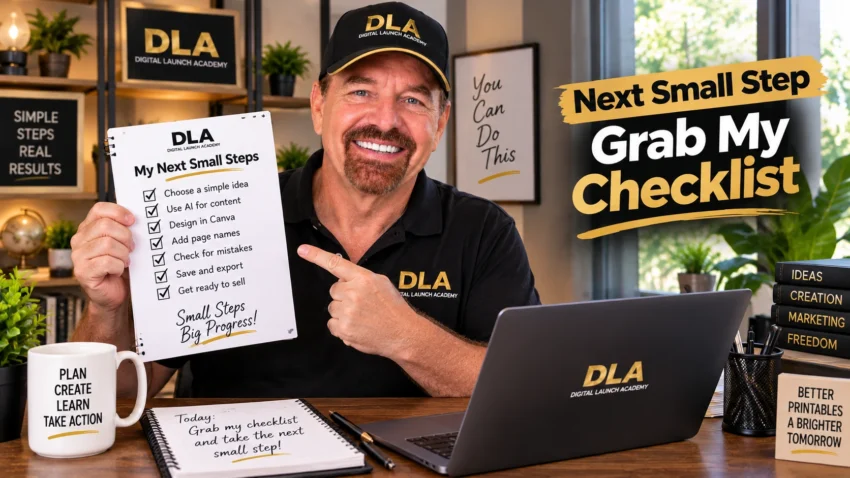
Most beginners don’t fail because they lack talent.
They fail because they’re overwhelmed by too many ideas.
Download the Free Niche Planner Checklist and discover a digital product idea you can actually build.
