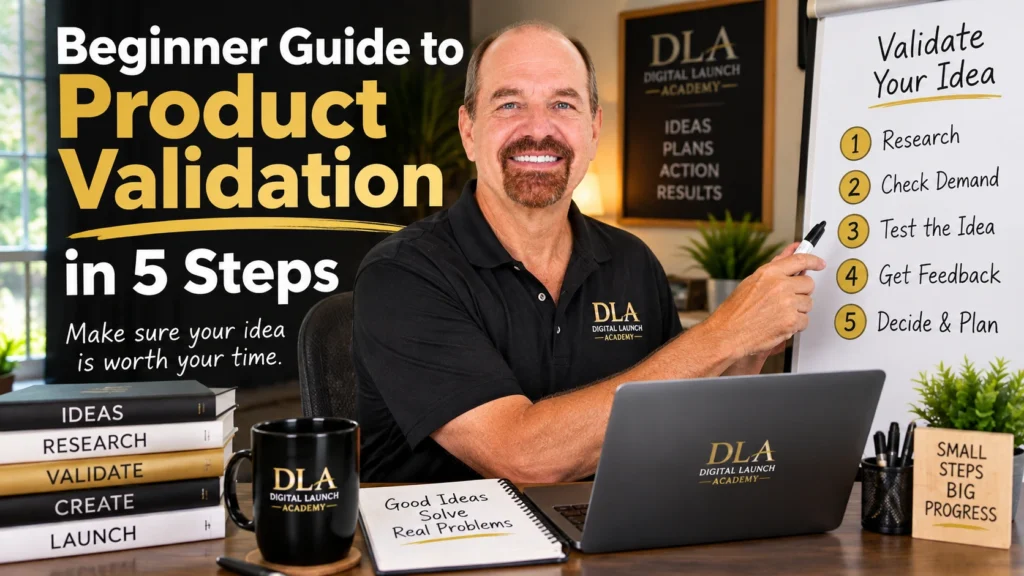
You do not need to spend weeks making a planner, checklist, or template before finding out if anyone wants it. This beginner guide to product validation will help you test your idea first, using simple conversations and free tools. Think of validation as getting a small green light before you start building.
The goal is not to prove that every person will buy your product. The goal is to find real signs that the right people have a problem your product can help solve. A few clear answers can save you time, reduce doubt, and help you create something more useful.
What Product Validation Means
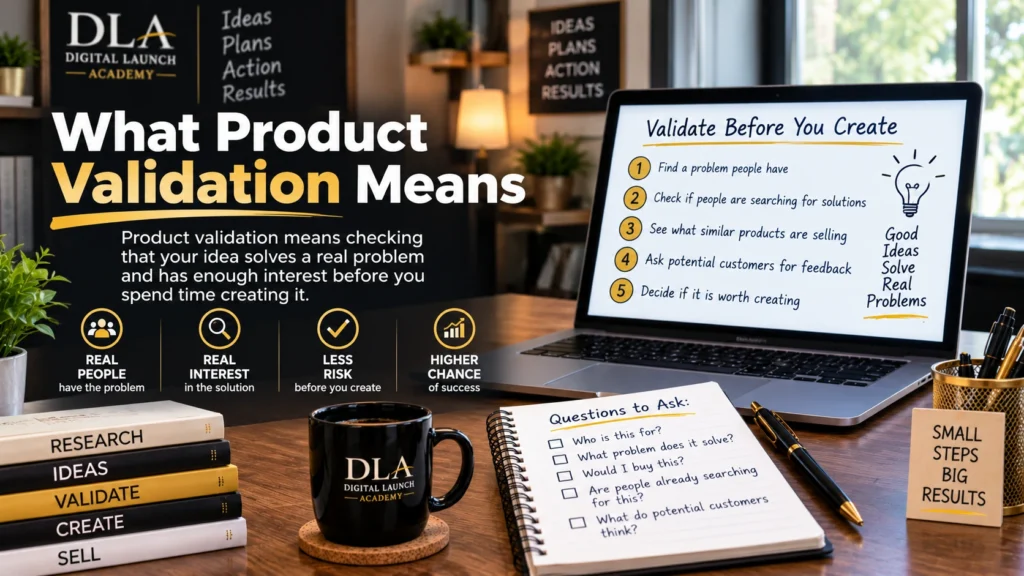
Product validation means checking whether people are interested in your product idea before you create the full product.
For example, imagine you want to make a weekly meal planner. Instead of opening Canva and creating 30 pages right away, you first ask busy parents whether planning meals is difficult for them. You may also ask what they currently use and what they wish was easier.
If several people say things like, “I never know what to cook,” or “I need a simple grocery list,” that is helpful feedback. It tells you there may be a real need for a meal-planning product.
Validation does not need fancy software, paid ads, a website, or a large social media following. You can start with a notebook, a simple survey, or a few honest messages.
Your action: Write one sentence that finishes this thought: “My product will help ________ with ________.”
Step 1: Pick One Small Problem

Beginners often make the mistake of trying to help everyone. A product for “anyone who wants to get organized” is too broad. A product for “busy moms who want to plan dinners for the week” is much easier to test.
Start with a group of people you understand. It could be retirees organizing medical appointments, dog owners tracking pet care, teachers planning classroom tasks, or side-hustlers keeping track of income and expenses.
Then choose one problem they may want help with. Good digital products often solve small, everyday problems. They do not have to be complicated to be useful.
Here are a few simple examples:
- A medication tracker for adults managing several prescriptions
- A moving checklist for first-time renters
- A weekly cleaning schedule for busy families
- A job application tracker for people looking for work
- A simple budget planner for people paying off debt
Try to be specific. “A planner for money” is vague. “A paycheck budget planner for beginners” gives you a much clearer idea.
Your action: Choose one group of people and one small problem you would like to help them solve.
Step 2: Check Whether People Already Talk About the Problem
You are not looking for a perfect answer. You are looking for clues that the problem is real and comes up often.
Start by listening. Think about conversations you have heard from friends, family members, coworkers, or groups you belong to. What do people complain about? What do they keep putting off? What questions do they ask for help with?
You can also search simple phrases on social media or in online groups. For a meal planner idea, search phrases such as “easy dinner planning,” “what should I cook this week,” or “grocery list help.” Read the comments. Pay attention to the words people use.
Do not copy someone else’s product. Instead, notice the problem behind the comments. If people say they have tried meal planning but quit because it takes too long, your product could focus on quick, simple planning.
A little competition is not bad news. If similar planners already exist, it can show that people buy this type of help. Your job is to make yours useful for a specific person or situation.
Your action: Find five real comments, questions, or conversations related to the problem. Write down the exact words people use.
Step 3: Ask Simple Questions Before You Create
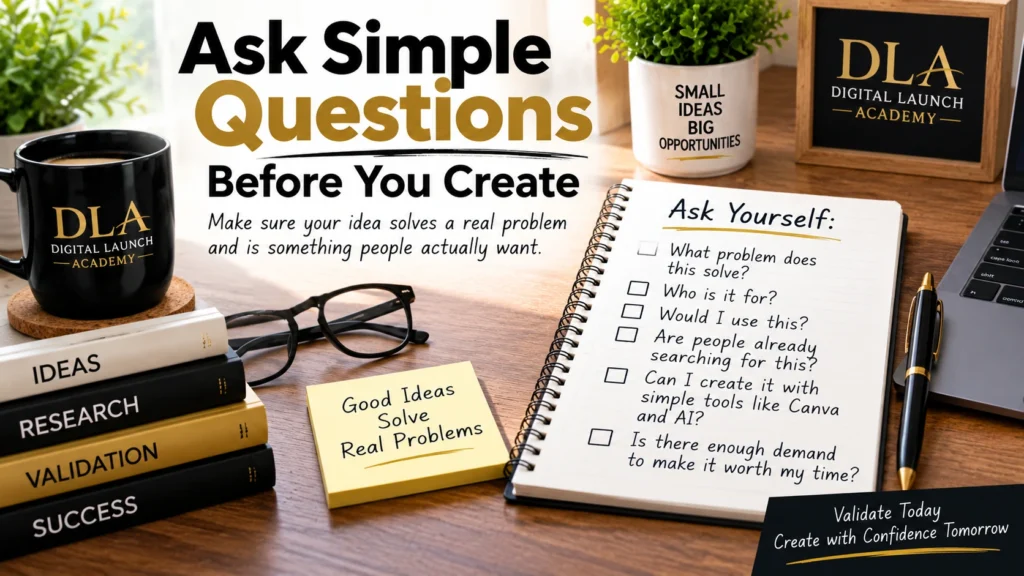
The fastest way to learn is to ask people directly. This can feel scary at first, especially if you worry about bothering someone. Keep it simple. You are not trying to pressure anyone to buy. You are asking for honest help.
Choose five to ten people who may fit your audience. They can be friends, family, coworkers, people in a community group, or followers on social media. If your product is for dog owners, ask dog owners. If it is for retirees, ask retirees.
You can send a short message like this:
“Hi! I’m thinking about creating a simple [type of product] to help [group of people] with [problem]. Can I ask you two quick questions? What is the hardest part about this for you? What would make it easier?”
Keep your questions open. Avoid asking, “Would you buy my planner?” People often say yes because they want to be kind. Instead, ask about what they do now.
Helpful questions include:
- What is the hardest part about this problem?
- How do you handle it right now?
- Have you tried a planner, checklist, or app for this before?
- What did you like or dislike about it?
- What would make a simple tool more helpful?
Listen for repeated answers. If three or four people mention the same frustration, that is stronger than one person saying they like your idea.
Your action: Send your two-question message to five people today. You only need to send it, not solve everything at once.
Step 4: Create a Tiny Preview, Not the Full Product
Once you see interest, make a small sample. This is sometimes called a preview or mock-up. It lets people react to something they can see without requiring you to build a full product first.
For a planner, create one or two sample pages in Canva. For a checklist, make the first page. For a guide, write the cover and one short section. Canva has free templates, and you do not need design experience to use them. Pick a clean layout, change the words, and keep it easy to read.
Your preview should show three things: who the product is for, what problem it helps with, and what is inside. For example:
“Simple Weekly Meal Planner for Busy Parents. Includes a weekly meal page, grocery list, and quick dinner idea section.”
Share the preview with the people you spoke to, or post it where your audience can see it. Ask, “Does this feel useful to you? What would you change or add?”
Do not get stuck trying to make the preview beautiful. At this stage, clear is better than perfect. You are testing the idea, not entering a design contest.
Your action: Open Canva and make one sample page for your product. Set a timer for 30 minutes so you do not overthink it.
Step 5: Look for Actions, Not Just Compliments
People may say, “That’s a great idea!” and mean it. But kind words alone are not strong proof that they need the product.
Look for actions that show real interest. Someone may ask when it will be ready, request a specific feature, share the preview with a friend, join a waitlist, or offer to test it. These actions matter because they take a little effort.
You can make this easy by asking one clear question after showing your preview: “Would you like me to send you the finished version when it is ready?” Keep a list of everyone who says yes.
If you get a quiet response, do not see it as failure. It may mean the problem is not urgent, the audience is too broad, or the product needs a clearer benefit. You can adjust one part and test again.
For example, if people do not respond to a general “fitness tracker,” try a “walking tracker for adults starting a daily routine.” Small changes can make the product feel more relevant.
How to Know You Are Ready to Create It

You do not need 100 people to approve your idea. For a first digital product, a small amount of clear feedback is enough to move forward.
You are ready to start creating when you can see that people understand the problem, several people describe a similar frustration, and at least a few people show interest in your preview. You should also know which feature matters most to them.
If your feedback is mixed, create a smaller version instead of giving up. A one-page checklist is faster to make and easier to test than a 40-page planner. Starting small helps you learn without wasting time.
This is where tools like Canva and AI can help. Canva can help you turn your idea into a clean digital product. AI can help you brainstorm page ideas, write simple instructions, or improve your wording. They are helpful tools, but your audience feedback should guide the product.
Your action: Decide on the smallest version of your product you can finish this week. One useful page is a real beginning.
You do not need to feel completely certain before you start. You only need enough information to take the next small step. Ask, listen, make a simple preview, and let real feedback guide you. That is how a small idea becomes a product people are glad to use.
Product validation is only one part of creating your first product. If you are still deciding what to create or want to understand the whole process, read our How to Find and Validate a Digital Product Idea: The Complete Beginner’s Guide.
Frequently Asked Questions About the Beginner Guide to Product Validation
What is product validation for beginners?
Product validation is a simple way to check whether people are interested in your digital product idea before you spend time creating the full product. For beginners, this can mean talking to a few potential customers, looking for repeated problems, and sharing a small preview to see how people respond.
How many people should I ask before creating a digital product?
You do not need to ask hundreds of people. Start by talking to five to ten people who fit your target audience. Look for repeated answers and signs of real interest. If several people describe the same problem or want to see your finished product, that can be a useful sign to keep moving forward.
Can I validate a digital product idea for free?
Yes. You can validate a digital product idea without paid ads or expensive software. Talk to potential customers, read questions and comments in online communities, and create a simple preview using free tools such as Canva. The goal is to gather real feedback before spending a lot of time creating the full product.
Don’t Know What to Create?
Most beginners don’t fail because they lack talent.
They fail because they’re overwhelmed by too many ideas.
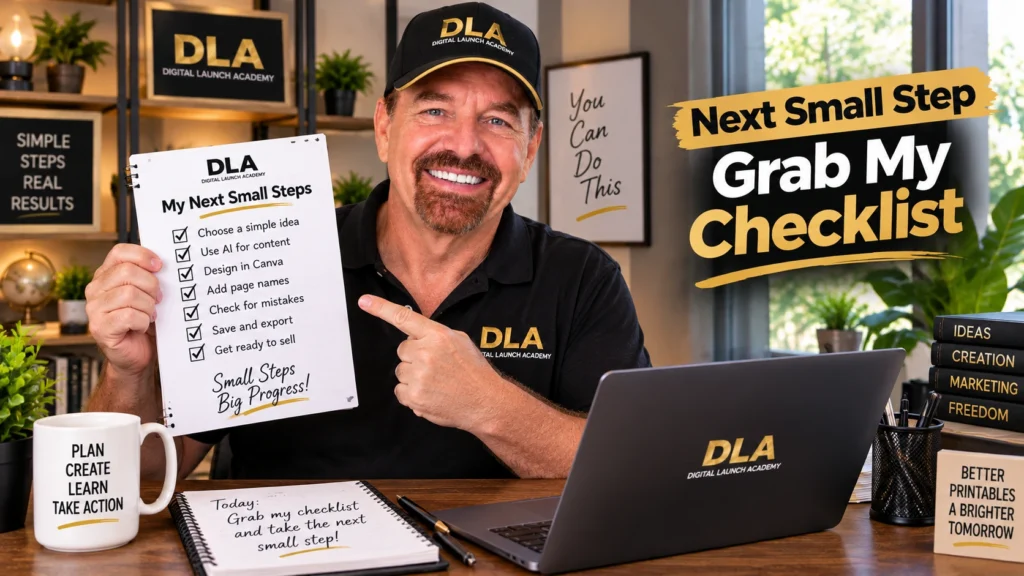
Download the Free Niche Planner Checklist and discover a digital product idea you can actually build.
