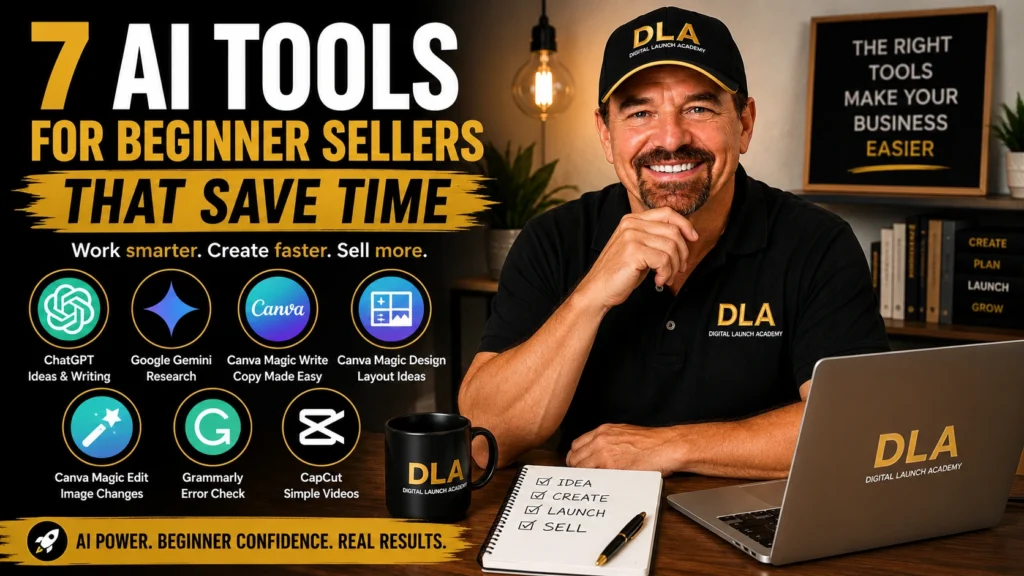
A blank Canva page can make even a simple planner feel impossible to create. That is where AI tools for beginner sellers can help. They can give you a starting point for your ideas, words, designs, and product listings so you are not staring at an empty screen wondering what to do next.
You do not need to use every AI tool available. You do not need to be “good with computers,” either. Start with one small task, such as writing a checklist title or choosing colors for a weekly planner. Small steps add up quickly.
What AI Can and Cannot Do for Your Digital Product
AI means artificial intelligence. In simple terms, it is a tool that responds to instructions you type. You can ask it to suggest ideas, write a first draft, improve a sentence, or help organize information.
For example, you might type: “Give me 10 simple page ideas for a meal-planning printable for busy moms.” The tool gives you suggestions. Then you choose the ideas you like and turn them into your own product.
AI can save time, but it should not make every decision for you. Always read what it creates. Check spelling, facts, and tone. Add your own experience and make sure the final product is actually useful for the person buying it.
Simple action: Choose one type of product you would like to make, such as a budget tracker, cleaning checklist, habit planner, or job-search guide.
7 AI Tools for Beginner Sellers
You can begin with free versions of many of these tools. Free plans and features can change over time, so do not worry about using every feature you see. Use the simplest option that helps you finish your next step.
1. ChatGPT for Product Ideas and First Drafts
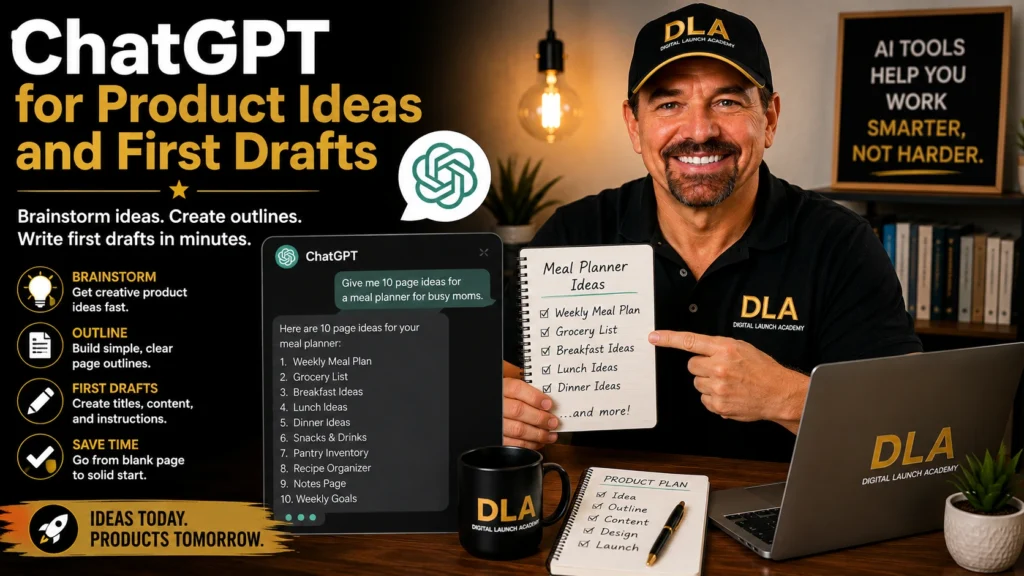
ChatGPT is a helpful writing assistant. It can help you brainstorm digital product ideas, create page titles, write checklist items, and draft simple instructions for your customers.
Let’s say you want to create a moving planner. Instead of trying to think of every page alone, ask: “Create a simple moving planner outline with 12 printable pages for a first-time renter.” You may receive ideas like a packing list, address-change tracker, utility setup list, and moving-day checklist.
Do not copy the first response without reading it. Pick the ideas that fit your buyer. Remove anything that feels unnecessary or confusing.
Simple action: Ask ChatGPT for 10 page ideas for the product you chose. Save your favorite five ideas in a document.
2. Google Gemini for Research Questions
Google Gemini can be useful when you need help understanding a topic before you create a product. For example, if you are making a beginner garden planner, you could ask for common tasks people do each month.
Keep your questions simple and specific. Try: “What are five easy sections a beginner vegetable garden planner should include?” Then compare the answer with your own common sense and any trusted information you already have.
Be careful with facts, especially for health, legal, financial, or safety products. AI can make mistakes. A medication tracker is fine as a basic organizational page, but do not use AI to give medical advice. When in doubt, choose a simpler product topic.
Simple action: Write down three questions your buyer may have. Use Gemini to help you list clear, beginner-friendly answers.
3. Canva Magic Write for Short Product Copy
Canva is already a favorite tool for beginner digital product sellers because it makes design feel less scary. Canva Magic Write is an AI writing feature inside Canva that can help with short blocks of text.
You can use it to create a welcome page, a short instruction page, or a simple message at the bottom of a printable. For a weekly planner, you might ask it to write a cheerful two-sentence reminder about setting realistic goals.
Keep the wording short. Your buyer does not need a long speech on every page. They need clear labels and helpful instructions.
Simple action: Open a Canva document and create one welcome page. Use Magic Write for a first draft, then rewrite it in your own warm, simple voice.
4. Canva Magic Design for a Starting Layout
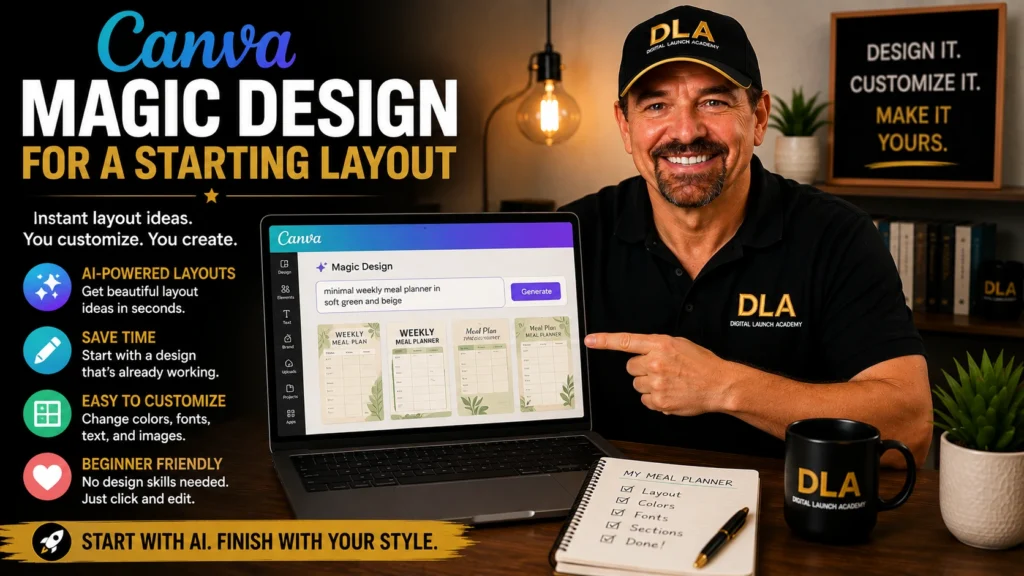
Magic Design can suggest layout ideas after you enter a prompt or add an image. This is useful when you know what you want to make but do not know how to arrange the page.
For example, type “minimal weekly meal planner in soft green and beige.” Canva may show several possible styles. Pick one that looks clean and easy to read. Then change the words, sections, and colors to match your product.
Treat these designs as a starting point, not a finished product. Your goal is not to make a page that looks fancy. Your goal is to make a page your customer can use without confusion.
Simple action: Create one page with Magic Design. Keep only the layout you like, then replace all sample text with your own words.
5. Canva Magic Edit for Simple Image Changes
Magic Edit lets you make basic changes to parts of an image. You might use it for a product cover, social media graphic, or mockup image. A mockup is a picture that shows what your digital product could look like when printed or used on a tablet.
For example, you could place your planner cover on a desk-style background and make small visual changes. This can help your listing image look more polished without needing photography skills.
Use this feature carefully. Do not create misleading images that promise something your buyer will not receive. If you sell a printable PDF, make that clear. A customer should know whether they are buying a physical item or a digital download.
Simple action: Make one simple cover image for your product. Use large, easy-to-read text and no more than two or three colors.
6. Grammarly for a Final Spelling Check
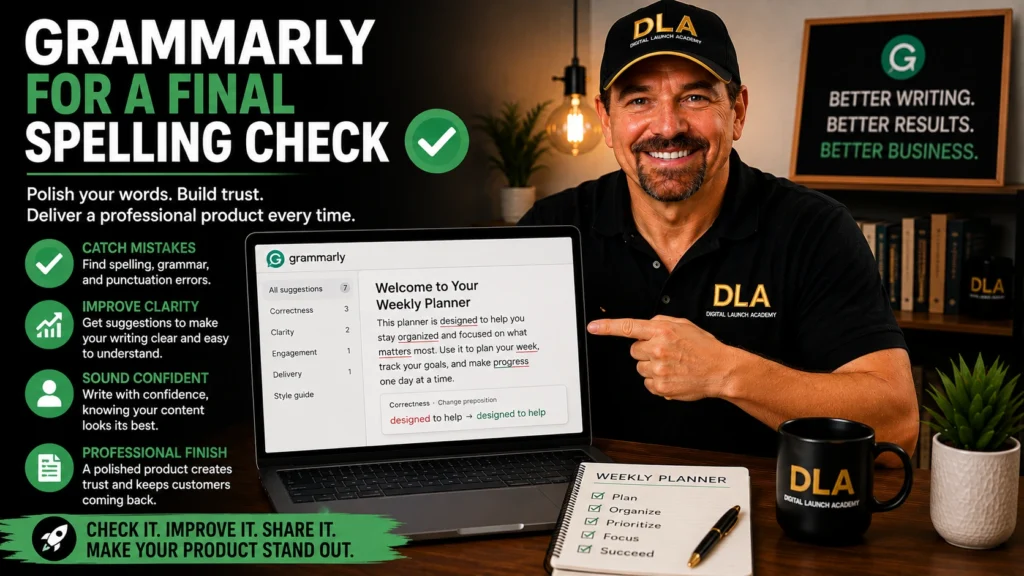
A good product can lose trust if the pages are full of spelling mistakes or hard-to-read sentences. Grammarly is an AI-powered writing checker that can help you spot common errors before you export your files.
Paste in your product instructions, listing description, or customer thank-you message. Review each suggestion before accepting it. Sometimes a suggested change makes a sentence sound less like you, and that is okay. You are in charge of the final wording.
This is especially helpful if writing makes you nervous. You do not have to be a perfect writer. You only need to make your message clear and kind.
Simple action: Check your product title, page headings, and instructions with Grammarly before you publish anything.
7. CapCut for Simple Product Videos
CapCut is a beginner-friendly video tool with AI features that can help create short videos. A short video can show someone flipping through your planner pages, using a checklist, or looking at your template on a screen.
You do not need to show your face if you do not want to. You can record your screen while scrolling through your Canva design. Add a few words of text, such as “Printable Weekly Meal Planner” and “Instant Digital Download.”
Keep the video short and clear. Ten to 20 seconds is enough for your first one. The purpose is simply to help people see what they are buying.
Simple action: Record a short screen video of three pages from your product. Add a clear title and save it for a future product listing or social post.
A Simple Way to Use AI Without Getting Overwhelmed
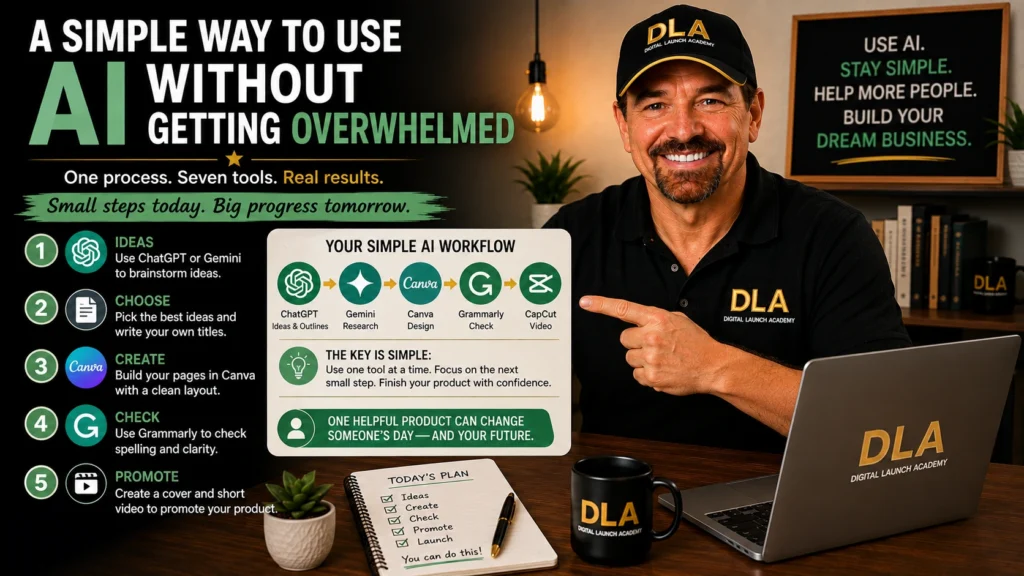
The biggest mistake beginners make is trying too many tools at once. You do not need a complicated setup. For your first product, use one writing tool and Canva. That is enough.
Follow this simple order:
- Use ChatGPT or Gemini to brainstorm your product pages.
- Choose the best ideas and write your own final page titles.
- Build the pages in Canva using a clean template or simple layout.
- Use Grammarly to check the wording.
- Create one cover image and one short product video if you are ready.
That is a complete, manageable process. You are not building a huge business all at once. You are creating one useful digital product that solves one small problem.
Keep Your Product Personal and Useful
AI can make your work faster, but your personal choices are what make the product worth buying. Think about the buyer who will use it. What would make their day easier? What information would help them feel organized, calmer, or more prepared?
If you are a retiree creating a budget planner, you may understand the need for large print and simple categories. If you are a busy parent creating a family schedule, you may know which sections families actually need. That real-life understanding matters more than fancy design.
Want to learn more ways AI can help with your online business? Explore our complete guide to AI Tools for Content Creators.
At Digital Launch Academy, we believe beginners make progress by finishing small projects, not by waiting until they feel completely ready. Pick one tool, create one page today, and let that small win prove that you can do this.
Don’t Know What to Create?
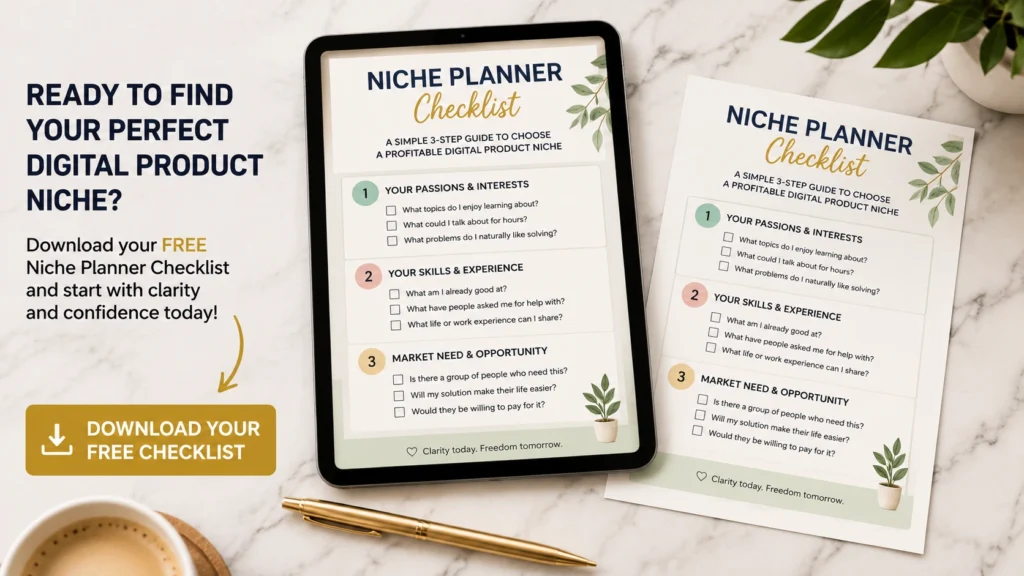
Most beginners don’t fail because they lack talent.
They fail because they’re overwhelmed by too many ideas.
Download the Free Niche Planner Checklist and discover a digital product idea you can actually build.
