Someone may see your planner, template, or checklist once and leave without buying. That does not mean they disliked it. They may have been busy, unsure, or waiting until payday. Learning how to build an email list for digital products gives you a simple way to stay in touch, help them, and invite them back when they are ready.
You do not need a huge audience, a fancy website, or complicated tech. Start with one helpful free resource, one signup page, and a few kind emails. That is enough to begin.
Why an Email List Helps You Sell Digital Products
Social media can help people find you, but your posts can disappear quickly. An email list gives you a direct way to talk to people who have already raised their hand and said, “Yes, I am interested.”
For a beginner digital product business, this matters because trust takes time. A person may not buy your budget planner the first day they find you. But they may download your free spending tracker, read your helpful emails, and later decide your full planner is exactly what they need.
An email list can help you:
- Share new digital products with interested people
- Build trust before asking for a sale
- Get feedback on product ideas
- Make sales without posting on social media every day
- Help past customers discover their next useful product
You are not bothering people when you send useful emails. They joined because they wanted help with a problem you understand.
Simple action: Write down one type of person you want to help. For example: busy moms who want to organize meals, new teachers, or adults working on a budget.
Step 1: Pick One Clear Problem to Help Solve
The best way to grow an email list is not to offer a random freebie. Offer a small, useful solution to the same problem your paid product solves.
Let’s say you plan to sell a weekly meal planner. A good free offer could be a one-page grocery list, five easy dinner ideas, or a weekly meal planning starter sheet. Someone who wants that free resource is likely interested in your paid meal planner later.
This is often called a lead magnet. Do not let the name make it sound complicated. It simply means a free download that encourages someone to join your email list.
Your free digital download should be quick to understand and easy to use. It does not need to be 30 pages long. In fact, a one-page checklist can work very well when it solves a small problem right away.
Here are a few beginner-friendly lead magnet ideas:
- A daily habit tracker for a wellness planner
- A moving checklist for a home organization guide
- A monthly bill tracker for a budget template
- A packing list for a travel planner
- A Canva color palette sheet for a social media template bundle
Keep your freebie closely connected to what you want to sell. If you give away a recipe sheet but later sell business templates, the people joining may not be the right audience.
Simple action: Finish this sentence: “I help ___ with ___.” Then create a free download that gives them one small win.
Step 2: Create a Simple Freebie in Canva
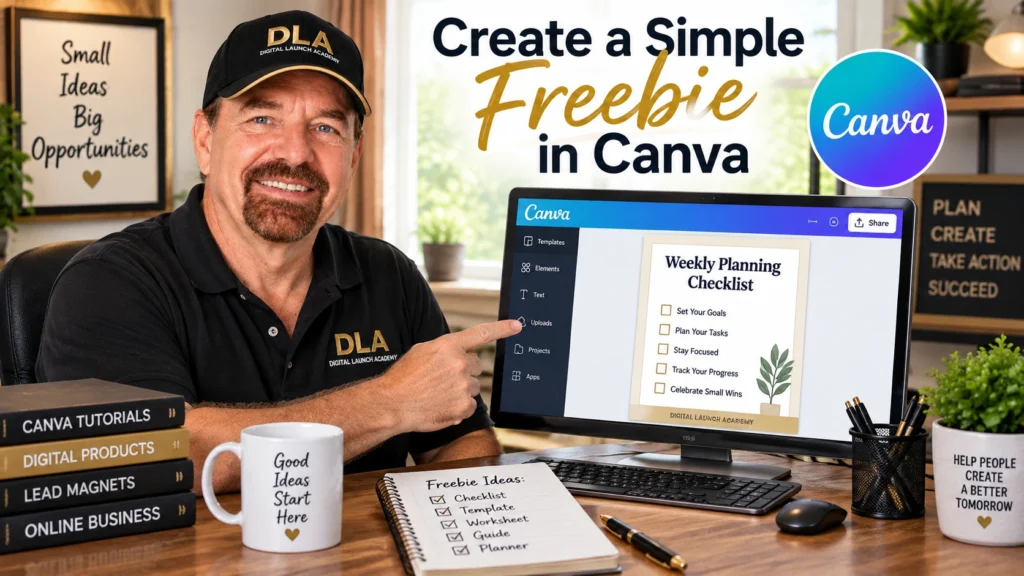
You can make a free lead magnet in Canva, even if you have never designed anything before. Start small. Choose a simple document size, use a clean template, and make the words easy to read.
For a checklist or tracker, search Canva templates using words like “checklist,” “worksheet,” “planner,” or “tracker.” Pick one with plenty of white space. Change the text to match your topic. You do not need to add lots of colors, fonts, or decorations.
Before you download it, check three things. Is the title clear? Can someone use it without instructions? Does it look good when printed or viewed on a phone?
Download your finished freebie as a PDF. Give it a clear file name, such as “Weekly-Meal-Planning-Checklist.pdf.” Clear names make your files easier to find later.
Remember, the goal is not perfect design. The goal is a helpful free printable or digital worksheet that makes someone’s day a little easier.
Simple action: Open Canva and create a one-page freebie today. Do not wait until you have a full product collection.
Step 3: Choose an Email Tool and Set Up Your List
You need an email marketing tool to collect names and email addresses. This is the system that stores your list and sends your emails. Many beginner-friendly email platforms offer free plans, so you can start without a large monthly cost.
When choosing an email service, look for three simple features: a signup form, a landing page, and an automatic welcome email. You can add more features later. Right now, simple is better.
After you create your account, make a new list or audience. Give it a clear name based on your freebie. For example, “Meal Planning Checklist Subscribers” is much easier to understand than “List 1.”
Next, find the option to create a landing page or signup page. This is a short page where people enter their name and email address to receive your free download.
Your signup page only needs a few parts:
- A clear headline. Example: “Plan Easy Weeknight Meals With This Free Checklist.”
- One or two sentences explaining what they will receive.
- A simple image of the freebie, if you have one.
- A form asking for an email address. A first name is optional.
- A button with clear words, such as “Send Me the Checklist.”
Avoid asking for phone numbers, addresses, or extra details. The more information you request, the less likely people are to sign up.
Simple action: Create your email list and draft one signup page. It can be plain. Plain and finished beats fancy and unfinished.
Step 4: Send a Welcome Email That Feels Human
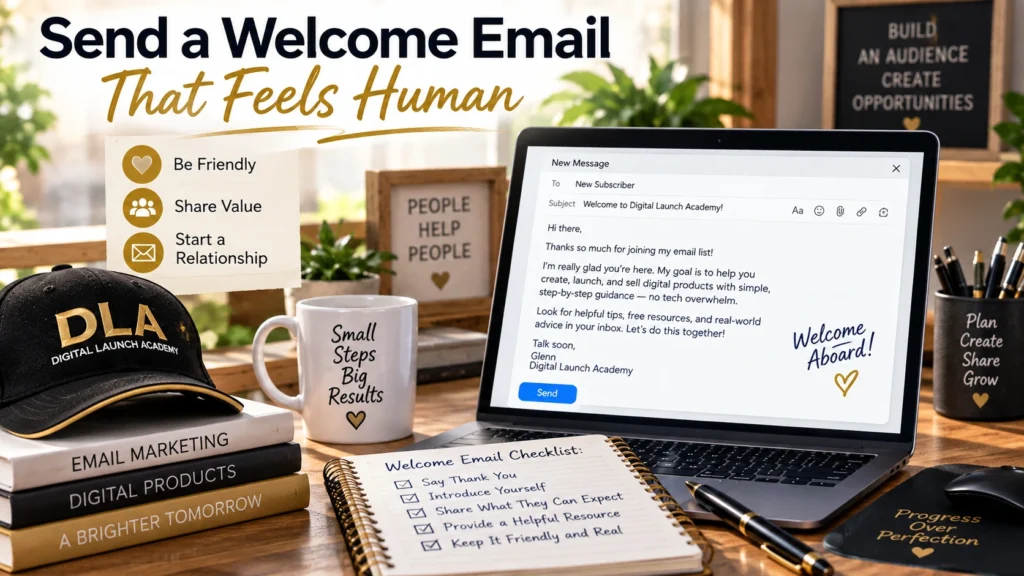
When someone signs up, they should receive their free download right away. Set up an automatic welcome email inside your email tool. Most platforms call this an automation, workflow, or sequence. It simply means an email that sends itself after a person joins.
Your first email can be short. Thank them for signing up. Tell them where to get the freebie. Then briefly introduce yourself and explain what kind of help they can expect from you.
You could write something like this:
“Hi [First Name], thanks for requesting the Weekly Meal Planning Checklist. You can download it below. I create simple planning tools to help busy people feel more organized without spending hours in the kitchen. Over the next few days, I’ll send a few easy tips to help you use your checklist.”
Then send two or three more helpful emails over the next week. Teach one small tip in each email. For a budget tracker, you might explain how to list fixed bills, spot one spending habit, or choose a savings goal.
After you have been helpful, mention your paid product. Explain what it does and who it is for. Do not pressure people. A calm invitation works better than a hard sell.
Simple action: Write your first welcome email in a notes document. Keep it warm, short, and useful.
Step 5: Share Your Signup Page in the Right Places
Now people need a way to find your freebie. You do not need to be everywhere. Pick one or two places where your future customers already spend time. For a simple beginner plan for getting your product in front of the right people, follow How to Market Your First Digital Product Step by Step.
If you use Facebook, make a helpful post about the problem your freebie solves. For example, share one meal planning tip and mention that readers can get your free checklist. If you use Pinterest, create a simple graphic showing the freebie and its benefit. If you have a small social media profile, add your signup page to your profile area where followers can find it.
You can also mention your email freebie in helpful comments, short videos, online communities where sharing is allowed, and at the end of posts about your topic. Always follow each group’s rules. Do not drop your offer everywhere without being helpful first.
The best way to get email subscribers is to repeat the same clear message. People often need to see an offer more than once before they sign up.
Simple action: Choose one place to share your freebie this week. Create one helpful post and include a clear invitation to join your list.
Step 6: Keep Your Email List Warm and Useful

A small email list can still bring sales when the right people are on it. Do not worry if you only have 10 subscribers at first. Those are 10 real people who chose to hear from you.
Send emails regularly enough that people remember you. For most beginners, once a week is a manageable place to start. Share a quick tip, a small story, a useful reminder, or a behind-the-scenes look at a product you are making.
Try this easy rhythm: help, help, offer. Send two useful emails, then send one email that gently invites people to buy a relevant digital product. If you only send sales emails, people may stop opening them. If you never make an offer, people may not realize you have something for sale. For more beginner-friendly ways to promote your products, read Digital Product Marketing for Beginners.
Pay attention to simple signs. Are people opening your emails? Are they clicking to download your freebie or view your product? If one topic gets more interest, create more content and products around that topic.
You do not need to know everything before you start. Build your email list one subscriber at a time. Your first freebie, first signup page, and first email may feel awkward. That is normal. Each small step gives you more confidence and creates a stronger foundation for the digital products you want to sell.
Frequently Asked Questions About How to Build an Email List for Digital Products
How big should my email list be before I sell a digital product?
You do not need a large email list. Even a small list can be valuable when the people on it are genuinely interested in the problem your digital product solves.
What should I send to my email list?
Start with helpful information related to your digital product. You can share simple tips, answer common questions, and occasionally tell subscribers about a product that can help them further.
Do I need a website to start an email list?
Not necessarily. Many email marketing services let you create a simple signup page where people can join your list. You can add a full website later as your business grows.
Don’t Know What to Create?
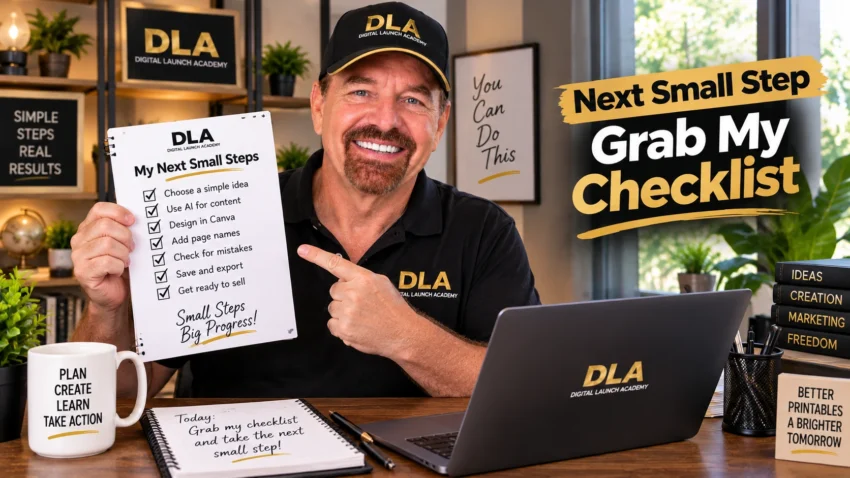
Most beginners don’t fail because they lack talent.
They fail because they’re overwhelmed by too many ideas.
Download the Free Niche Planner Checklist and discover a digital product idea you can actually build.
This lead maget above is a great example on how to build an email list for digital products. Very simple and straight forward.
