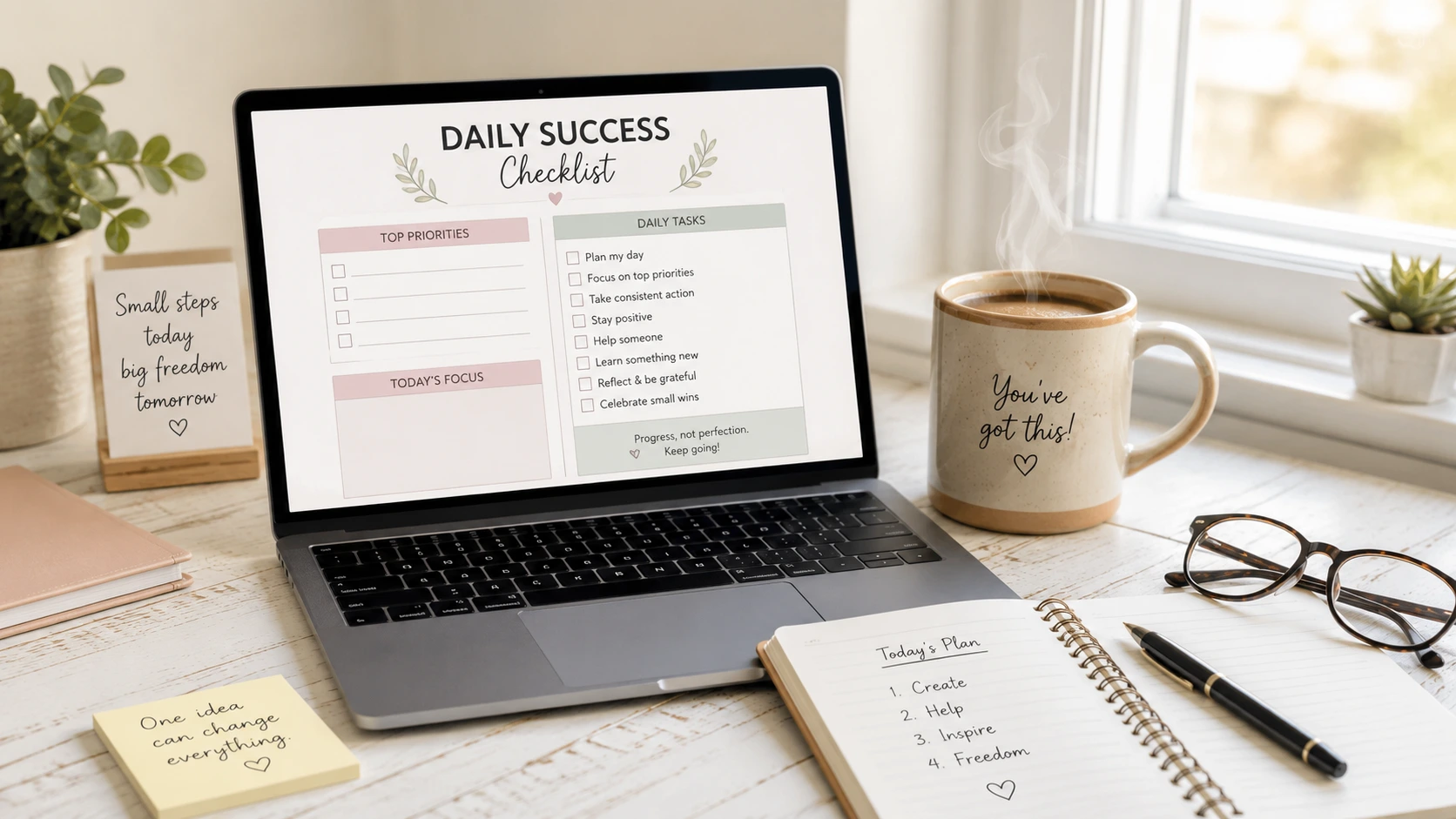
Have you ever searched for digital products for beginners, stared at a blank screen, watched dozens of videos, and thought: “I have no idea where to start”? Learning how to build an online income stream can feel incredibly scary at first, especially if technology has never felt easy for you. You might even worry that you are “too late” or “too inexperienced” to make this work.
Please take a deep breath. Feeling overwhelmed by all the conflicting advice out there is completely normal, but it is also absolutely fixable. You do not need coding skills, years of design experience, or advanced technical knowledge to build an online business with confidence.
The truth is, a digital product does not need to be a massive, complicated 200-page book to be highly valuable to someone else. In fact, some of the most helpful products on the internet are just a single page long. Let’s lower the temperature and look at 9 simple ideas you can finish in a single afternoon.
What Exactly is a Digital Product?
(Keeping it Simple)
Before we look at the list, let’s clear up what a digital product actually is using plain English. A digital product is simply a helpful file that a customer buys once and downloads to their own computer, phone, or tablet.
Because it is a purely digital file, you get to skip the traditional headaches of running a physical shop. There are zero shipping fees, no boxes to pack, no trips to the post office, and you don’t have to store piles of inventory in your home. For beginners, the biggest benefit is that you can “create it once and sell it forever.” When a buyer purchases your file, it is automatically sent straight to their email inbox while you go about your day.
Your Takeaway Step: Your only job right now isn’t to build a giant online empire—it’s just to make one small, useful thing that helps someone solve one specific day-to-day problem.
The 9 Easiest Digital Products for Beginners to Sell
The best digital products for beginners are simple, practical tools that people use every day. Here are 9 low-stress ideas that are perfect for beginners:
-
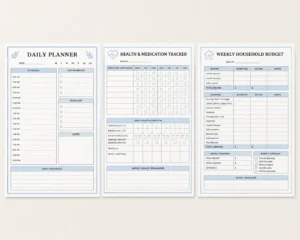
1. Daily & Weekly Digital Planners
Life can feel chaotic, and many people just want a clean, quiet layout to help them structure their hours. A routine planner gives them a peaceful framework to organize their morning habits, their remote workday tasks, or their household chores.
Practical Example: A “Morning Routine Planner for New Grandparents” or a quiet “Busy Caregiver Checklist.”
2. Household & Health Trackers
Managing health details or daily routines can create a lot of mental clutter. Simple grid forms allow individuals to track important daily habits without needing to learn complicated apps.
Practical Example: A large-print “Printable Medication Tracker for Seniors.”
3. Financial Budget Sheets
You do not need to be a math genius or a spreadsheet wizard to help people organize their money. A simple, paper-based budget sheet helps everyday folks track their monthly expenses, celebrate their savings goals, or map out grocery trips.
Practical Example: A one-page “Debt Payoff Milestone Tracker.”
4. The Quick-Start Checklist
When people face a major life change, their minds often freeze because they don’t know what to do first. A step-by-step checklist acts like a patient friend guiding them through the process line by line.
Practical Example: A “First-Time Pet Owner Checklist” or a comprehensive “Stress-Free Moving Day Checklist.”
5. Gentle Journaling Prompts
Many adults want to practice mindfulness or write in a journal, but they get stuck staring at a blank piece of paper. You can create a page that features quiet, open-ended questions to help them clear their minds.
Practical Example: A “14-Day Stress Relief Journal Prompt Pack.”
6. Meal Planners & Grocery Lists
The question “What’s for dinner?” causes a little bit of stress in almost every household every single day. A functional, neat planning page helps individuals map out their meals and organize their shopping trips in an orderly way.
Practical Example: A “Beginner Meal Prep & Batch Cooking Sheet.”
7. Simple Fitness & Habit Trackers
People love seeing their own progress. A habit tracker uses basic rows and columns where users can place a checkmark or color in a circle every time they complete a positive action, like drinking enough water or taking a short walk.
Practical Example: A supportive “Walking Challenge Tracker for Active Adults.”
8. Craft & Hobby Project Pages
Hobbies bring joy, but they also come with a lot of moving parts, supplies, and measurements. A structured hobby journal helps creators document their creative journey and keep their project notes in one neat place.
Practical Example: A cozy “Knitting Project Planner & Yarn Log.”
9. Event & Gift Planning Pages
Whether it is organizing a small family birthday party or keeping track of holiday shopping, holiday logistics can get messy quickly. A dedicated planning sheet keeps budgets and gift ideas completely organized.
Practical Example: A clean “Holiday Gift List & Budget Tracker.”
Your Takeaway Step: Look over this list and pick just ONE idea that feels familiar or fun to you. Don’t worry about the design yet—just choose your single idea and write it down.

How Canva and AI Make Design Stress-Free
Canva is especially helpful for creating digital products for beginners because you can start with simple templates instead of designing everything from scratch. Now that you have your single product idea, you might be thinking, “But I’m not an artist, and I don’t know how to design a page.” This is where modern tools become your friendly assistants rather than intimidating hurdles.
First, you can use a free AI tool like ChatGPT to act as your personal writing assistant. You don’t need to know complex computer coding. You simply ask it plain questions just like you were talking to a neighbor at a kitchen table. For example, you can type: “Can you give me 10 gentle journal prompts to help someone feel calm at the end of a busy day?” In seconds, the AI writes out the text for you.
Second, you bring that text over to Canva. When you are focused on learning how to use Canva simply, you realize it is much easier than dealing with advanced corporate design software. Canva gives you a clean canvas where you can easily use basic, easy-to-read fonts and soft, comforting colors. You can choose a standard US Letter page size, add simple boxes for writing, and paste your AI-generated text right onto the page. Before you begin, it’s always a smart move to choose your digital product niche without overwhelm so you know exactly who your clean layout is helping.
Your Takeaway Step: Remember that AI does the heavy lifting for brainstorming, and Canva acts as your digital paper. You do not have to build anything from scratch.
3 Common Mistakes That Freeze Beginners (and How to Avoid Them)
When starting a new online project, it is very easy to fall into a few common traps that cause people to start a task but never actually finish it. By knowing these traps ahead of time, you can protect your confidence and keep moving forward.
Mistake 1:
Trying to Create a 100-Page Bundle First
Many beginners feel they have to build a massive, 80-page master planner right out of the gate to provide real value. This immediately leads to tech fatigue and exhaustion. Instead, focus entirely on the “One-Page Win.” A single, beautifully organized medication tracker or moving checklist provides massive value because it is quick to read and easy to use.
Mistake 2:
Changing Fonts and Colors for Days
It is easy to waste hours clicking through hundreds of different styles in Canva. To prevent decision paralysis, give yourself a simple rule: use two fonts at most (one for titles, one for regular words) and stick to three quiet colors (like black, gray, and one soft accent color). Clear, readable pages always look more professional than cluttered, hyper-decorated pages.
Mistake 3:
Fearing That “No One Will Buy” This is the deepest fear for almost every beginner. You might ask yourself, “Why would someone pay for my printable when they could look things up themselves?” The answer is simple: people do not buy fancy graphic design—they buy time, order, and relief from their daily headaches. If your simple page saves a busy person twenty minutes of stress, they will gladly pay a few dollars for that peace of mind. As you plan your launch, learning how to price your first download safely will help you set a safe, comfortable starting price with complete confidence.
Your Takeaway Step: Your goal this weekend is completion, not perfection. A finished plain page teaches you infinitely more than a perfect blank screen.
Conclusion:
Your Next Simple Step
Creating digital products for beginners is an incredibly rewarding way to learn new skills and begin building an online income stream. It proves to you that you are fully capable of learning new skills, gaining confidence with modern tools, and creating something meaningful with your own hands—regardless of your age or your current technical background.
You do not need to figure everything out today. By breaking the process down into tiny, patient steps, the tech anxiety melts away, leaving you with a steady, peaceful path forward.
Choosing your first digital product is one of the biggest steps you’ll take, but it’s only the beginning. Once you’ve decided what you want to create, the next step is learning how to turn that idea into a finished product, price it, launch it, and start making your first sales. Our Digital Products for Beginners: The Ultimate Guide to What to Create and Sell Online walks you through the entire process from start to finish.

Don’t Know What to Create?
Most beginners don’t fail because they lack talent. They fail because they’re overwhelmed by too many ideas. Download the Free Niche Planner Checklist and discover a digital product idea you can actually build. Download the Free Niche Planner Checklist
Take Your Next Step Forward
Building a business later in life doesn’t mean you have to figure it out alone. If you want a patient, step-by-step roadmap alongside a group of everyday people just like you, click here to learn more about our upcoming beginner support group and explore the Digital Launch Academy founding member cohort.
